
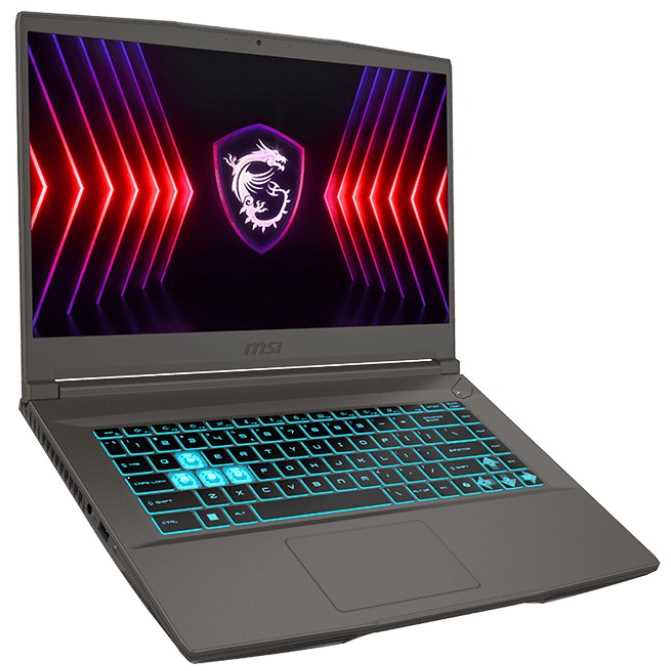
Gaming laptops with Nvidia’s RTX 4050 rarely touch $600. Usually you’re staring at $799-$999 for similar specs, so this Walmart price on an MSI Thin made me do a double take. On paper you’re getting a 1080p/144Hz IPS display, a GeForce RTX 4050, Intel’s Core i5-13420H, 16GB of dual-channel RAM, and a 512GB NVMe SSD. That’s a legit gaming foundation. But spec sheets don’t tell the whole story, especially with thin-and-light chassis where power limits and thermals can make or break the experience.
The RTX 4050 is the entry point to Nvidia’s Ada Lovelace laptop stack, with 2,560 CUDA cores and 6GB of GDDR6 VRAM. In a well-cooled chassis at a higher TGP, it can trade blows with lower-wattage RTX 3060 laptops. But this is an “MSI Thin,” and that branding usually means conservative power targets to keep temps and noise in check. Translation: performance can vary a lot between models. If the 4050 is capped around 45-60W, think 1080p medium to high settings in most AAA games, with ray tracing set to “off” or “low.”
DLSS 3 frame generation is real tech and it helps, but it isn’t a magic wand. It only works in supported games (Cyberpunk 2077, Diablo IV, Forza Horizon 5, etc.), it adds frames by interpolation, and your input latency benefits depend on pairing with Nvidia Reflex. For twitch esports, you’ll still want native frames. For cinematic single-player? Frame gen can smooth things out nicely.
The Core i5-13420H is a sensible pairing: 4 performance cores + 4 efficiency cores and boost clocks up to 4.6GHz. For 1080p gaming, four P-cores are enough to keep the GPU fed in most titles. Don’t expect workstation-level CPU throughput, but you won’t be CPU-bound in esports or most modern single-player games.
16GB of RAM (2x8GB) in dual-channel is exactly what you want today. It’s DDR4, not DDR5, but in GPU-bound 1080p gaming that rarely matters. The 512GB NVMe SSD is the painful part-after Windows and a couple of chunky installs (think Call of Duty, Starfield, Cyberpunk), you’re juggling space. The good news: MSI’s thin models typically use standard SODIMMs and M.2 storage, so upgrades are on the table. Just double-check the exact model to confirm whether there’s a second M.2 slot or you’re swapping the single drive.
Here’s the reality check. Esports first: Valorant, CS2, Rocket League, Fortnite on performance modes—expect triple-digit frame rates that make good use of the 144Hz panel. For demanding single-player titles, aim for medium to high presets at 1080p, often with DLSS Quality or Balanced. Cyberpunk 2077, Hogwarts Legacy, and Elden Ring are very playable with sensible settings; turn off heavy ray-traced features. Starfield and The Last of Us Part I are tougher due to VRAM and optimization—use lower textures and FSR/DLSS to keep things smooth.
The 6GB VRAM ceiling is the biggest limiter long-term. Many modern texture packs assume 8GB at 1080p. You’ll still get clean visuals on medium textures in most games, but you’ll occasionally see pop-in or need to back down texture quality to avoid stutter. If your goal is “ultra everything,” this isn’t your tier. If your goal is “play everything now at smart settings,” it fits.
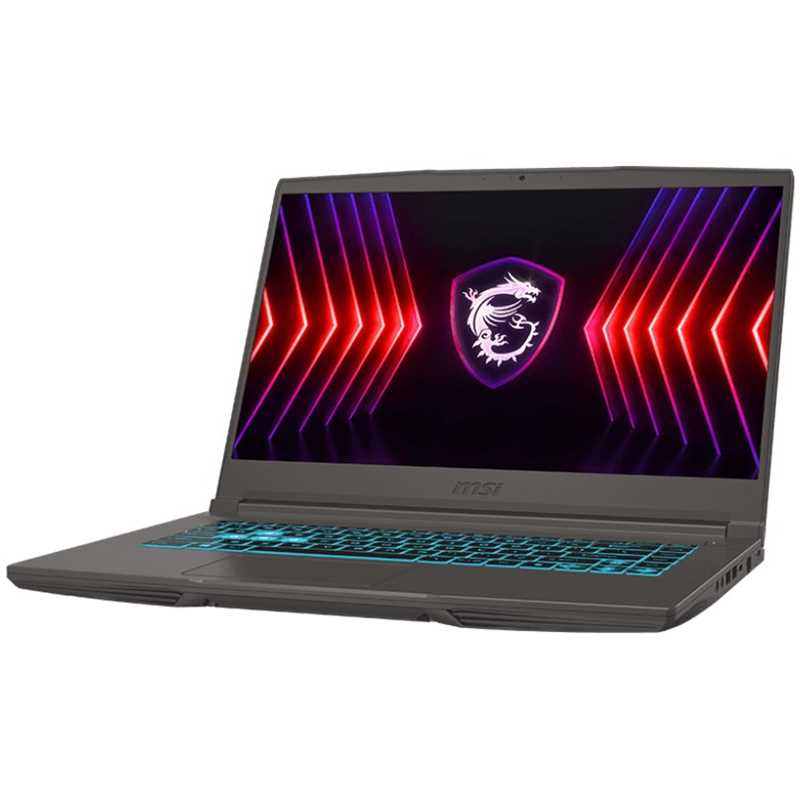
Thin gaming laptops are a compromise. Expect the fans to ramp under load and the chassis to get toasty near the exhaust. That’s normal, but it also means sustained GPU clocks can dip compared to thicker 4050 rigs. The display being IPS is a plus for viewing angles and response, but don’t expect creator-grade color or brightness—these panels are often around 250 nits with middling color gamut. Indoors, fine; outdoors, not so much.
Battery life? A couple of hours of light gaming at best, with 5-7 hours of casual use if you’re conservative. Ports on MSI Thin models are usually decent (USB-A, HDMI, a USB-C), but don’t count on Thunderbolt or high-bandwidth external GPU fantasies at this price.
Buy it if you want a genuinely affordable 1080p gaming laptop that won’t choke on modern titles, especially if you mainly play esports, live-service games, or big single-player releases at sensible settings. Students and budget-conscious gamers will get a lot of mileage here, and the upgrade path for RAM and storage helps extend its life.
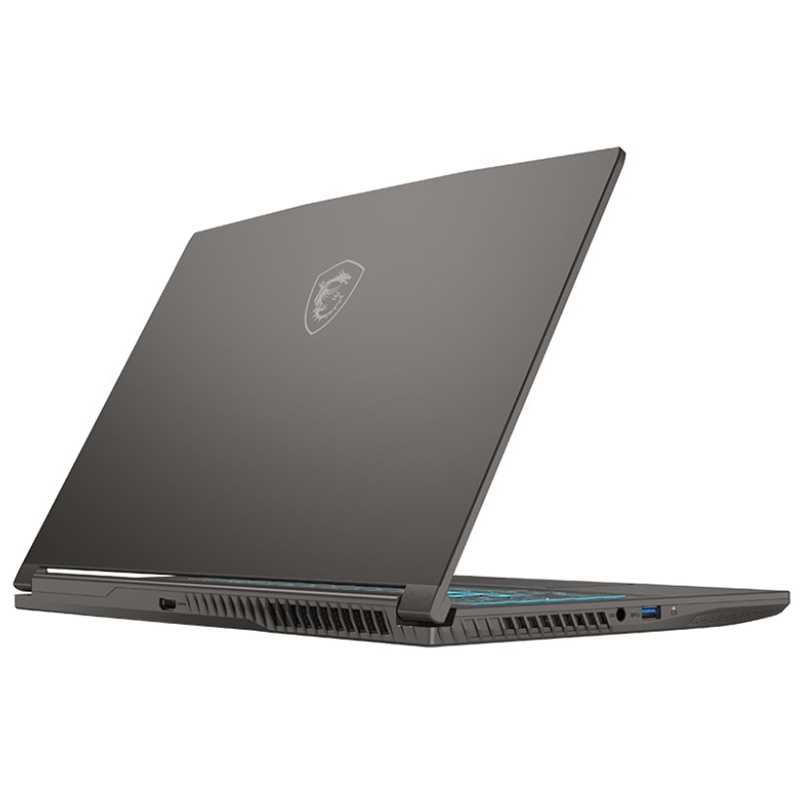
Skip it if you’re chasing ray-traced eye candy, need color-accurate visuals for creative work, or want whisper-quiet thermals and all-day battery. Also, before you hit checkout, look up the exact model’s RTX 4050 TGP and storage bay layout—those two details are the difference between a steal and a shrug.
At $599.99, an MSI Thin with RTX 4050, i5-13420H, 16GB, and a 144Hz IPS display is a legit deal—so long as you accept the 6GB VRAM ceiling, likely lower GPU power limits, and a cramped SSD you’ll probably upgrade. For smart 1080p settings without the premium price, this is the kind of bargain we actually recommend.
Get access to exclusive strategies, hidden tips, and pro-level insights that we don't share publicly.
Ultimate Gaming Strategy Guide + Weekly Pro Tips