
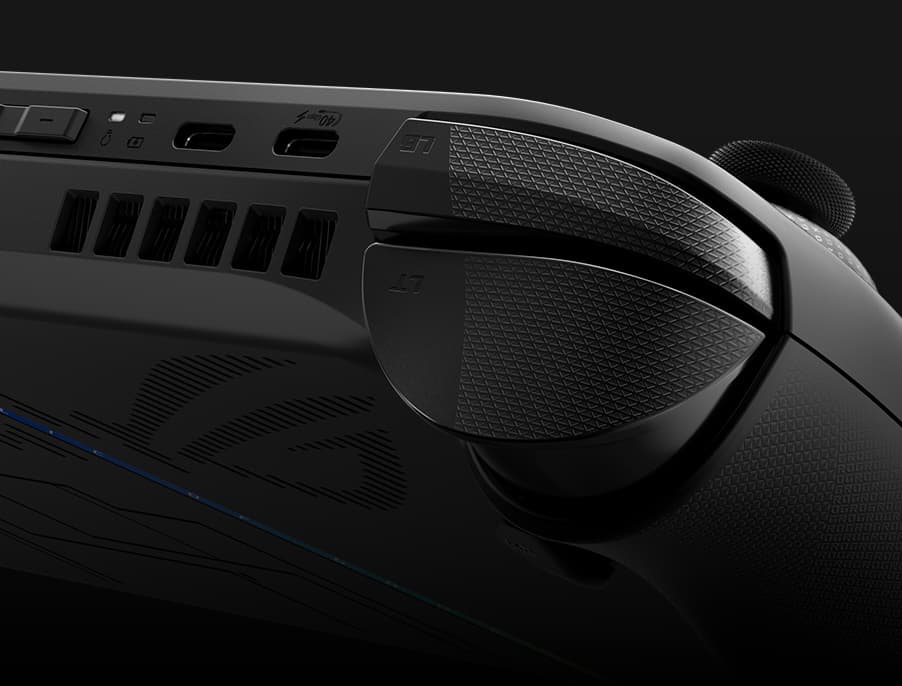
This caught my attention because Windows handhelds have always felt like you’re piloting a desktop with a toothpick. The Asus ROG Ally, Lenovo Legion Go, MSI Claw-they’re powerful, but fighting tiny taskbars and weird pop-ups with a thumbstick kills the vibe. Microsoft’s new fullscreen handheld interface, set to officially launch alongside the Xbox Ally and Xbox Ally X on October 16, is the first sign they’re taking handheld UX seriously. And you can try it today, if you’re willing to jump on a Release Preview build.
Microsoft is baking a dedicated, controller-friendly “Full screen experience” into Windows 11, debuting with the Xbox Ally and Xbox Ally X on October 16. The bigger story: it isn’t locked to those devices. If you’ve got a ROG Ally (or any Windows handheld), you can test it early on the Windows 11 25H2 Release Preview.
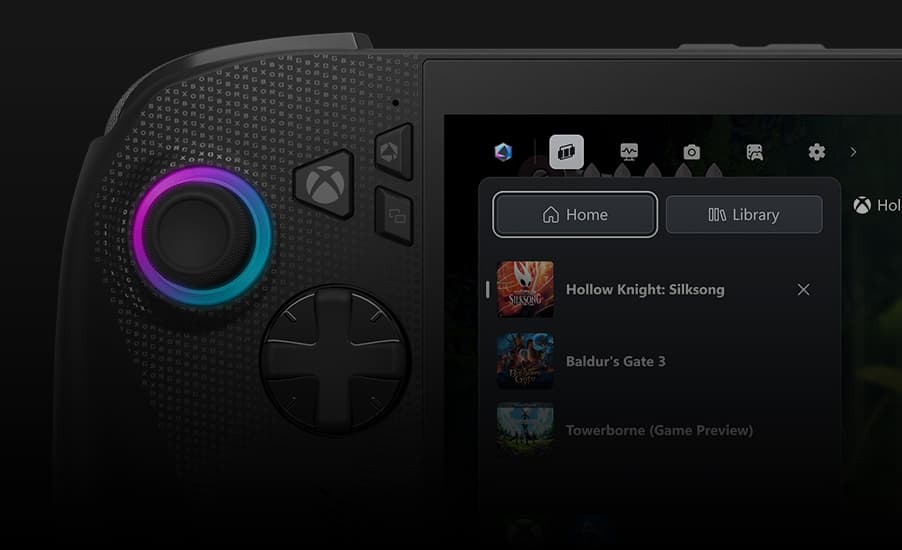
Setup is simple, if a bit risky: install the 25H2 Release Preview build (Windows Insider, Release Preview channel), then head to Settings > Gaming > Full screen experience. Choose “Xbox” as your home app and toggle “Enter full screen experience on start-up.” Reboot, and your handheld drops into the new dashboard instead of the desktop. You can still hop back to the desktop when needed, which is crucial for tweaking launchers and drivers.
Steam Deck’s secret sauce isn’t raw power; it’s the interface. Valve’s UI makes controller navigation feel native. Windows handhelds have relied on vendor bandaids-Armoury Crate SE on Ally, Legion Space, MSI Center M, Ayaneo’s AYA Space-to paper over Windows’ desktop-first design. Some are decent, none are cohesive. Microsoft finally building a first-party, controller-first home screen gives OEMs a baseline that should reduce the launcher roulette we’ve been playing for two years.
The timing makes sense. The updated Xbox app is increasingly a one-stop library hub, with better discovery and Game Pass integration. Pair that with a boot-to-dashboard flow and suddenly Windows handhelds feel less like Franken-PCs. It still won’t erase the reality that your games live across Steam, Epic, Battle.net, EA, and Ubisoft, but as a front door, this is miles better than a tiny Start menu.
My early takeaway from hands-on time at Gamescom was straightforward: this makes Windows handhelds less annoying. Not perfect—just less fiddly. If the final October release shores up stability and sleep/wake reliability, that’s a legitimate quality-of-life win.
Pro tip: create a restore point before flipping the switch. Insider builds can clash with GPU or controller drivers, and the last thing you want is a handheld stuck in setup purgatory when you just wanted to play Hades II on the train.
Microsoft blessing an “Xbox” home for Windows handhelds—debuting with the Asus-built Xbox Ally and Ally X—signals a real strategy: let partners ship the hardware while Microsoft owns the experience layer. If they keep iterating (power profiles, universal launcher hooks, better suspend), Windows handhelds could finally feel competitive with Steam Deck on usability, not just specs. The question is whether Microsoft sticks with this for years, not months. Gamers remember features that launched strong and quietly withered.
If you’re on a ROG Ally today, this update is worth a spin. If you’re on the fence about Windows handhelds because of UX friction, October’s general release will be the real test. Either way, it’s refreshing to see Microsoft tackling the right problem: making Windows feel like it belongs in your hands, not just on your desk.
Microsoft’s controller-first handheld UI for Windows 11 is live in Release Preview and set to launch with the Xbox Ally lineup on October 16. It finally makes Windows handhelds feel less like mini PCs and more like, you know, handhelds—just expect some Insider-build rough edges until the stable release lands.
Get access to exclusive strategies, hidden tips, and pro-level insights that we don't share publicly.
Ultimate Gaming Strategy Guide + Weekly Pro Tips