
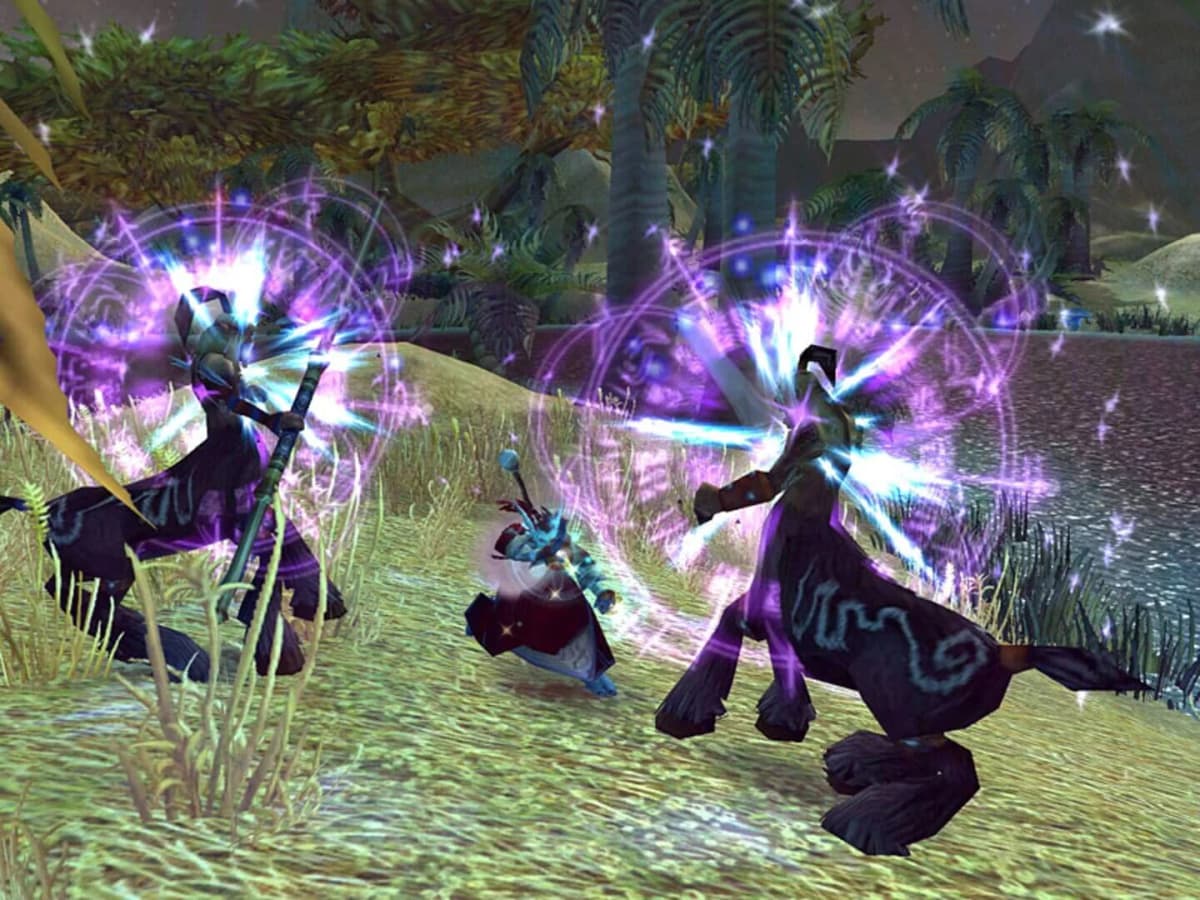
A World of Warcraft character that remains visible for 20 seconds after an Alt+F4 is ordinary server cleanup. A character that charges a boss, continues a rotation, and fires defensive cooldowns after its client has closed is a different problem.
That is the behavior attached to retail Patch 12.1, Curse of Ula’tek. In group PvE runs, disconnected players have remained active well beyond the normal 20-to-30-second linger window. The most useful reports come from Mythic 0 King’s Rest and Ruby Life Pools, where an Evoker continued moving and casting after disconnecting at roughly the 39-second mark. A separate case involved a warrior auto-charging a boss around 30 seconds into a disconnect.
Patch 12.1 deployed in the August 12-13, 2026 regional window, ahead of Midnight Season 2 on August 18. Its published changes cover the new Lair instance type, the Venomous Abyss raid, class adjustments, dungeon work, and UI changes. They do not document a disconnect-protection system, follower-style takeover, or a setting that hands a player character to server-side combat logic.
Table of Contents (7)
What separates the 12.1 anomaly from normal logout linger
WoW has long kept an abruptly disconnected character in the world briefly. Under normal conditions, that character is idle: it stands where it was, may remain targetable, and then disappears as the server completes the logout. It does not make combat decisions.
| Observed state | Typical duration | Character behavior | How to classify it |
|---|---|---|---|
| Normal Alt+F4 or connection loss linger | About 20-30 seconds | Stands idle, then despawns | Expected logout cleanup |
| Client freeze or partial desync | Variable | May appear stuck while chat still functions; no reliable active combat pattern | Network or client desync |
| Patch 12.1 disconnect behavior | Beyond 30 seconds; in some cases most of a boss fight | Moves, attacks, casts rotation abilities, and may use defensives | Active DC-protection-like anomaly |
The practical threshold is simple. If party members see an offline player stand still and fade away, there is little to investigate. If the offline player follows the boss, changes position, casts abilities on global-cooldown timing, or uses a major defensive, preserve the evidence before the combat log rolls over.
How to reproduce it without sacrificing a Mythic+ key
Do not test this in a live key, a progression raid, hardcore content, or with strangers who did not agree to it. The system behaves too unpredictably to treat it as a safety net. A disconnected tank can still point a boss badly, miss an interrupt, or walk through lethal ground effects. A healer that continues casting is equally unreliable when the encounter requires movement or mechanic-specific target choices.
- Use a five-player Mythic 0 dungeon with friends. King’s Rest and Ruby Life Pools match the environments where the behavior has already been observed. A normal or Heroic dungeon is also useful as a lower-cost control run.
- Start a boss pull and choose a clear test point. Around 30 to 40 seconds into the pull makes timestamp comparison straightforward and avoids confusing pre-pull buffs with offline actions.
- Assign one player to record. The recording should show the party frame, the offline indicator, the boss encounter, and the disconnected character. Voice confirmation that the test player’s client is frozen or closed removes the obvious ambiguity.
- Enable Advanced Combat Logging before the test. In WoW, go to Interface → System → Network, enable Advanced Combat Logging, then use /combatlog before the pull.
- Use one controlled disconnect method per run. Alt+F4 is the most relevant first test because it reproduced the behavior in dungeon reports. A deliberately terminated game process and a temporary network loss can be separate tests.
- Stop observing only after the character despawns or combat ends. Record whether the character remains idle, resumes combat after a pause, uses movement abilities, casts defensives, or survives until the boss dies.
Relog after the pull and compare the affected player’s local combat log with the group log. The meaningful timestamp is the gap between the player’s final possible input and the last spell credited to that character. Abilities occurring after the client is confirmed closed are the useful data point.
Test the disconnect method, instance type, and UI separately
A single Alt+F4 result does not identify the trigger. The test needs clean variables. Alt+F4, a terminated process, and a genuine network interruption can all present differently to the server even when they feel identical from the player chair.
| Variable | Test method | What to record | Why it matters |
|---|---|---|---|
| Exit path | Alt+F4, Exit Now, terminated process, temporary network loss | Exact time of exit and when party frame marks the player offline | Identifies whether the behavior is tied to an abrupt client exit rather than every disconnect |
| Content type | Normal/Heroic dungeon, Mythic 0, then low-risk raid only if the group accepts the risk | Dungeon, difficulty, boss, and whether the pull was completed | Known cases are in five-player PvE, especially Mythic 0; Mythic+, raids, PvP, and open world remain unconfirmed |
| Role and specialization | Tank, healer, and DPS runs | Taunts, healing targets, defensive timing, movement, and rotation pattern | Tank and healer decisions reveal whether the behavior follows a basic priority system rather than queued attacks |
| Add-ons | Normal UI run, then a clean UI run | Active add-ons, macros, and whether the behavior repeats without them | Rules out configuration noise and makes the report usable |
| Connection quality | Track ping, packet loss, and jitter during the session | ISP, router, region, latency spikes, and whether chat remained available | Separates a real socket drop from a client hang or partial game-data desync |
Clean UI testing matters, even if add-ons are unlikely to be the cause
WeakAuras, rotation helpers, and standard interface add-ons run on the local client. They cannot keep executing once that client is gone. That makes them a poor explanation for an offline character maintaining movement and ability use, but they are still worth eliminating before filing a detailed bug report.
For a proper clean run, close WoW and temporarily rename the Interface, WTF, and Cache folders. This forces a default UI and disables saved add-on configuration without deleting it. Repeat the same dungeon test, then restore the folder names afterward. Run Battle.net’s Scan and Repair before escalating the issue if crashes or repeated disconnects are part of the pattern.
What the behavior could be doing under the hood
The short version is that ordinary queued abilities cannot plausibly explain a character acting through most of a boss fight. WoW’s input queue is designed for a narrow timing window around a global cooldown. It can smooth latency; it cannot reasonably preserve target selection, movement, defensive timing, and a combat rotation for minutes after the client exits.

A temporary server-side AI handoff fits the visible behavior better. WoW already has follower and companion systems capable of moving through PvE spaces, attacking targets, and using simple survival logic. The 12.1 cases resemble that kind of priority-driven behavior: the character stays with the encounter, attacks the active target, and may use defensives when under pressure.
That remains an unconfirmed explanation. Blizzard had not documented or publicly explained the behavior as of August 18, 2026. There is no toggle, CVAR, or published rule defining which content types qualify, how long the takeover lasts, or whether it is intended to apply outside five-player PvE.
How to reduce risk while the behavior remains unexplained
- Use a normal logout path whenever possible. In group content, use /logout or Exit Game and allow the logout timer to finish. Save Alt+F4 for an actual crash or a client that will not respond.
- Leave combat before a forced exit. If the client is stable enough to do so, move clear of enemies and end the pull first. An intentional mid-boss disconnect creates both a potential exploit concern and a messy support case.
- Tell the group when the connection is unstable. Tanks and healers are the highest-risk roles. DPS should be prepared to cover interrupts, kite, use external defensives, or reset the encounter rather than relying on an offline character.
- Treat the disconnected player as an unpredictable NPC. Do not stack the group on them, assign them mechanic duties, or assume they will avoid ground damage. Movement and spell selection may look competent right until a mechanic requires judgment.
- Reset rather than gamble in severe content. For Mythic+, progression pulls, no-death goals, and permadeath rulesets, a wipe/reset is usually cheaper than trusting automation that has no documented operating limits.
What belongs in a useful bug report
A report that says “my character played itself” is difficult to act on. A report with timestamps and a combat log is materially better. Include the exact Patch 12.1 build, region, realm, instance, difficulty, boss, role, specialization, disconnect method, and a short account of what the character did after the offline flag appeared.
Attach the video and combat log where possible. Note the approximate disconnect timestamp, the final confirmed player input, and each post-disconnect spell or movement event. Add the connection details if repeated disconnects are involved: ISP, router model, OS build, packet loss, jitter, and whether other game services or chat remained active.
FinalBoss // Gear
Level up your setup
01Top-rated gaming headsetson Amazon→02High-refresh gaming monitorson Amazon→03Gaming chairson Amazon→04Discounted game keyson Kinguin→Affiliate links · As an Amazon Associate, FinalBoss earns from qualifying purchases.
Want to Level Up Your Gaming?
Get access to exclusive strategies, hidden tips, and pro-level insights that we don't share publicly.
Ultimate Tech Strategy Guide + Weekly Pro Tips