
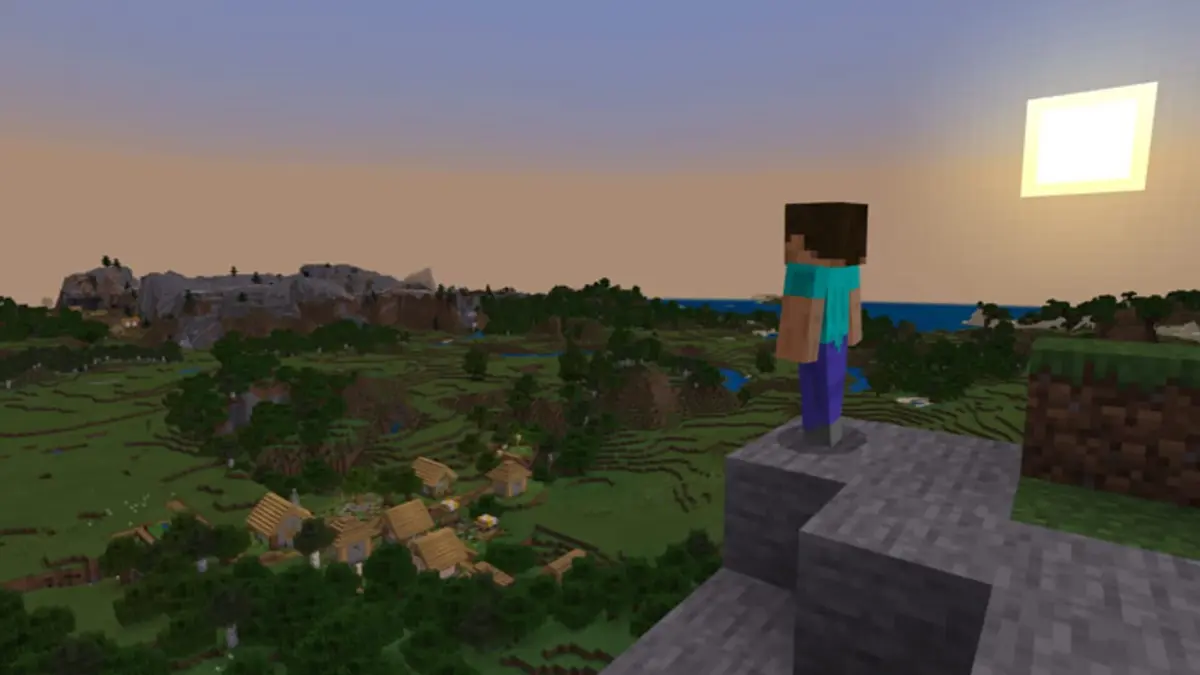
Xbox’s latest outage turns a simple sign-in error into a much bigger problem: a working internet connection is useless when Microsoft’s account layer refuses to let players through. Console profiles, the Xbox app on Windows, mobile sign-ins, Cloud Gaming sessions, and Minecraft logins can all hit the same wall.
Microsoft acknowledged on September 2 that some users were receiving errors while attempting to sign in or create an account. Xbox Support posted at 15:15 that it was investigating the issue, with mitigation work underway by 16:06. A confirmed cause and a resolution timetable have not been provided.
Table of Contents (4)
The dashboard loading does not mean Xbox is working
This is the ugly little secret of always-online account systems: an Xbox Series X/S, Xbox One, or Windows PC can look perfectly healthy right up until it tries to verify who owns what. Players may reach the dashboard, see their installed library, and still fail at the point that matters — launching a digital game, entering multiplayer, opening social features, or starting a Game Pass title.
Xbox uses Microsoft Accounts across its services, so an authentication failure spreads far beyond one console menu. Profile creation is also affected, meaning new users cannot simply make a fresh account and bypass the problem. That is a server-side failure, not a bad password or a corrupted local profile.
Cloud Gaming has no fallback when identity services fail
Cloud Gaming takes the hardest hit because it cannot even begin without a successful Xbox account check. There is no downloaded executable to launch offline and no local license verification to lean on; the session starts with Microsoft confirming the player’s identity, subscription access, and entitlement. When that door is shut, Cloud Gaming is shut.
The same logic reaches PC and mobile. The Xbox PC App can fail to sign in on Windows, while Android and iPhone account flows can break across Xbox-connected services. Minecraft is caught in that blast radius when its login route depends on the Xbox/Microsoft account path. Minecraft on Android has faced login-related failures during the disruption, and Windows players can encounter the same upstream authentication block.
That matters for Minecraft: Ocean Heroes players because this is not necessarily a Minecraft-side issue. If the game stalls at the Microsoft account prompt, Mojang files, a reinstall, and a router reboot are all beside the point. Microsoft’s identity service has to come back first.
Do not burn an hour “fixing” Microsoft’s outage
The fastest way to identify this outage is to check whether the same Microsoft account fails across more than one device. A console sign-in failure paired with an Xbox app failure on PC or mobile points straight at Xbox services, not the home network.
- Try signing in with the same Microsoft account on Xbox, Windows, or mobile.
- Check whether account creation also fails; Microsoft flagged both sign-in and new-account errors.
- Launch an installed digital game. A refusal to start can be an ownership-check failure even when the device is online.
- In Minecraft, note whether the failure happens at the Microsoft/Xbox login step rather than after reaching the game.
- Attempt a Cloud Gaming session. If sign-in succeeds inconsistently or the session never begins, account authentication is the likely choke point.
- Check the Xbox status page for alerts under Account & Profile, Games & Gaming, Store & Subscriptions, and Apps & Mobile.
- Retry after a short interval rather than repeatedly changing settings. Service dashboards can lag behind the failures players are already seeing.
This is becoming a familiar Xbox weakness
Xbox had another major disruption on July 27 that hit Account & Profile, Games & Gaming, Store & Subscriptions, and Apps & Mobile. Players then ran into sign-in problems, library access failures, and games that would not launch. A Microsoft-wide Azure disruption on October 29, 2025 also interrupted Minecraft, Xbox, and Xbox Cloud Gaming.
Different incidents can have different technical causes. This one has no confirmed root cause. The player-facing pattern, however, is painfully consistent: Xbox’s account infrastructure has become the single gatekeeper for purchases, subscriptions, social features, cloud access, and games people assumed were safely installed on their own hardware.
Physical discs offer limited comfort when profiles, updates, multiplayer, and license checks remain tied to the same account ecosystem. The uncomfortable question Microsoft still needs to answer is how much practical access players retain when that ecosystem fails — and whether “owned” digital games should be this dependent on a service status page.
FinalBoss // Gear
Level up your setup
01Best-selling Xbox Series X|S gameson Amazon→02Xbox controllerson Amazon→03Top-rated gaming headsetson Amazon→04Discounted game keyson Kinguin→Affiliate links · As an Amazon Associate, FinalBoss earns from qualifying purchases.
Want to Level Up Your Gaming?
Get access to exclusive strategies, hidden tips, and pro-level insights that we don't share publicly.
Ultimate Gaming Strategy Guide + Weekly Pro Tips