
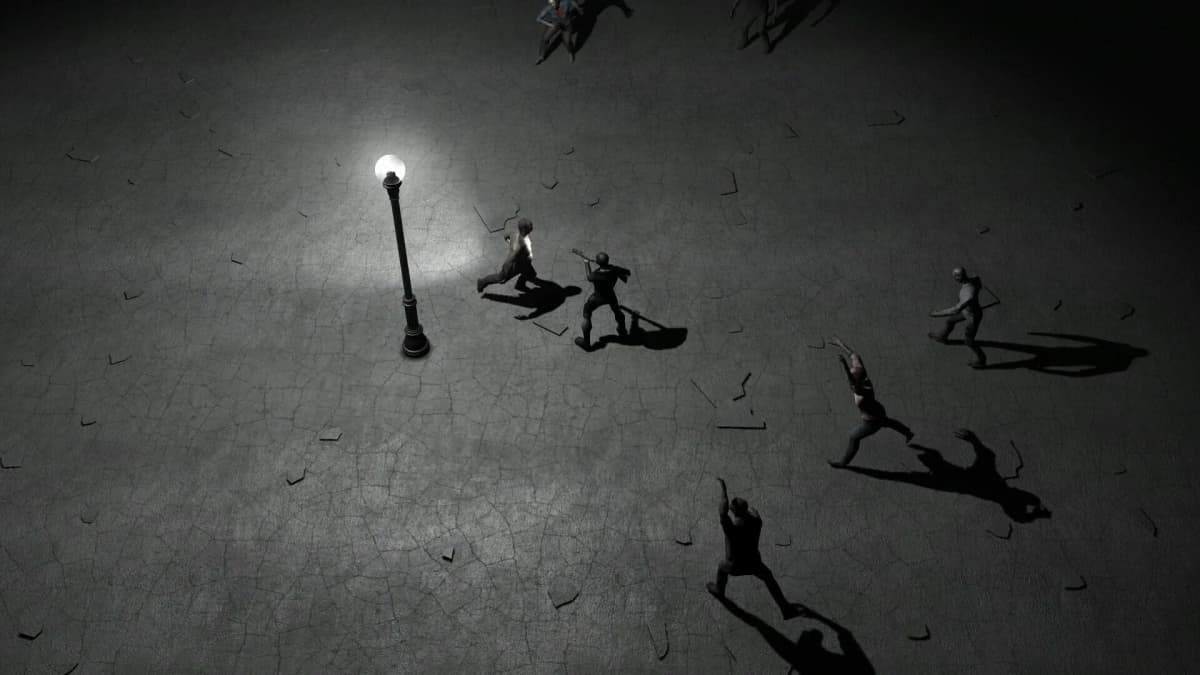
Claim Yet Another Zombie Defense HD from its Steam store page before July 30, 2026 at 17:00 UTC. The important part is pressing Add to Account while the page shows the Free to keep offer and a $0.00 price. Once Steam registers the promotional package, the game stays on that account after the offer ends.
The cutoff is 10:00 AM PT, 1:00 PM ET, 6:00 PM BST, and 7:00 PM CEST on July 30. Do not leave the claim until the final minutes: a Steam Guard prompt, an account mix-up, or a store-page refresh can take longer than expected.
Table of Contents (7)
What You Need Before Claiming the Game
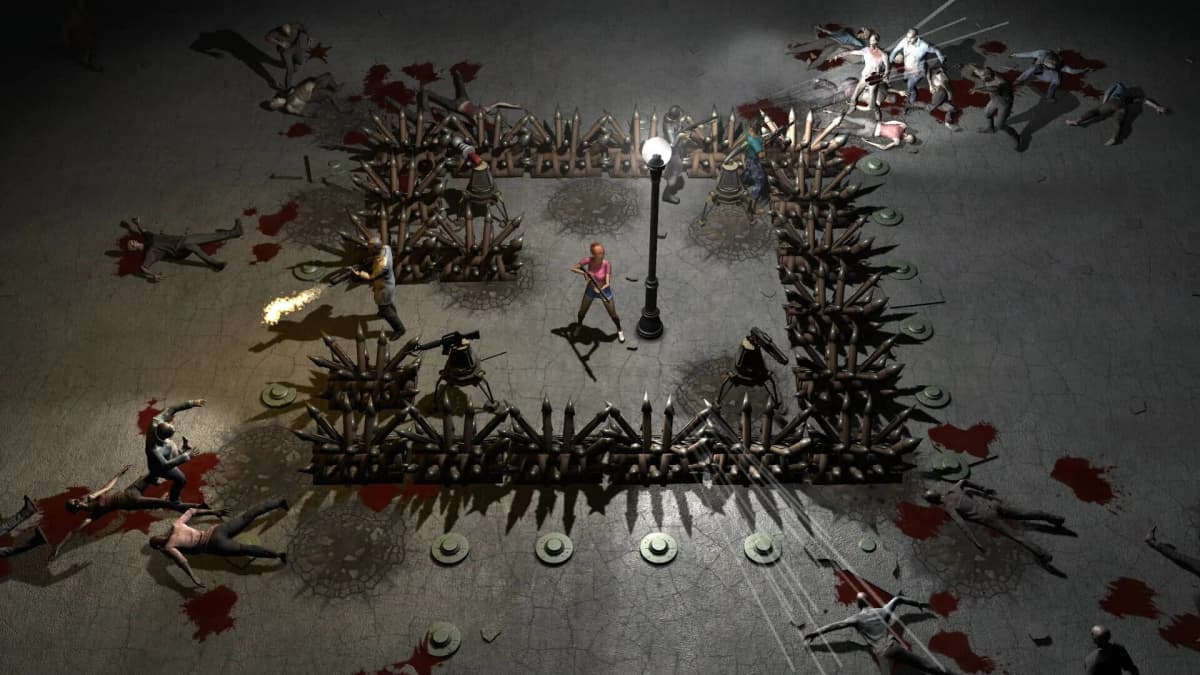
This is a Steam promotion for the Windows version of Yet Another Zombie Defense HD, the top-down zombie shooter where you build barricades and defenses between waves while actively fighting the horde. Its usual Steam price is $3.99, but the limited promotional package is free only during the stated window.
- A Steam account that you can log into immediately.
- Access to the Steam desktop client or Steam’s web store.
- A stable connection and enough time to deal with Steam Guard if it asks for a code.
- The correct account selected, especially on a shared PC or browser with multiple Steam logins.
You do not need to install or launch the game before the cutoff. Adding the promotional package to your account is what creates the permanent license.
Claim Yet Another Zombie Defense HD Before the Cutoff
Open the correct Steam page
In Steam’s store search, enter Yet Another Zombie Defense HD and select the game developed by Awesome Games Studio. The correct store listing is the Windows game with Steam AppID 674750.
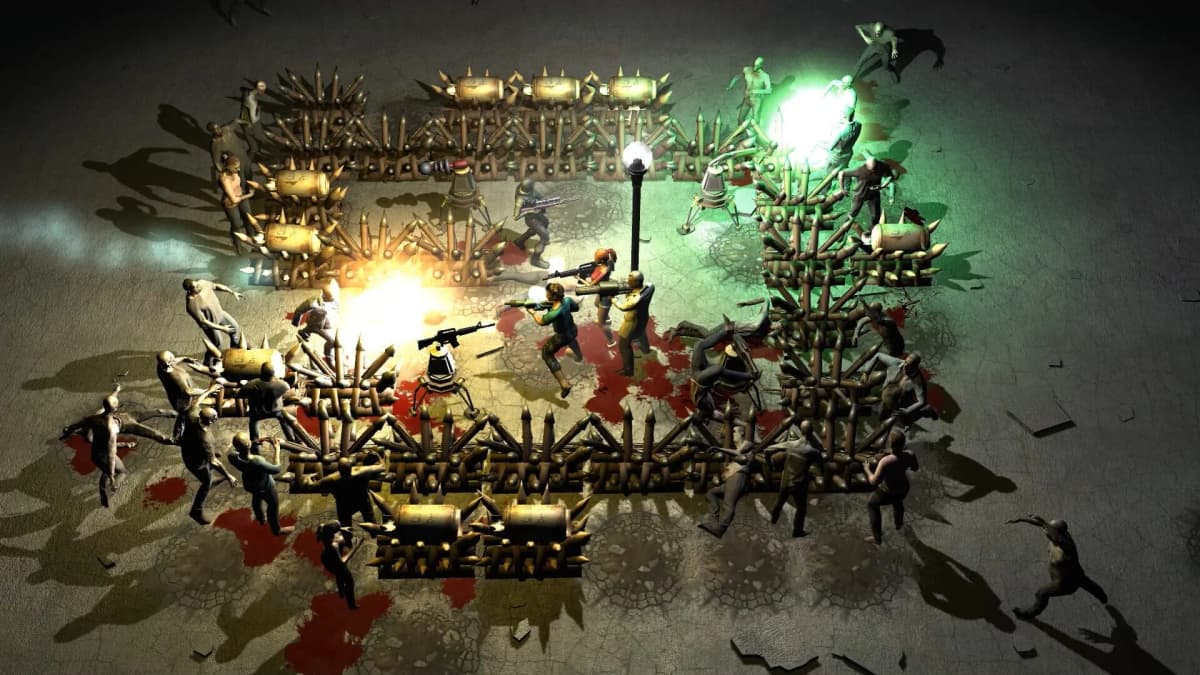
Checking the full title matters because Steam can display separate packages, including a commercial license that retains the normal $3.99 price. The free claim applies to the limited free promotional package, not every package associated with the game.
Confirm the promotional price before clicking anything
Scroll to the purchase area and look for the wording “Free to keep when you get it before Jul 30”, alongside a 100% discount and a $0.00 price. That is the screen you need.
If Steam shows only Add to Cart with a $3.99 price, stop before buying. First confirm that the July 30, 17:00 UTC deadline has not passed and that you are viewing the standard game’s free promotional offer rather than another license option.
Use Add to Account, then wait for registration
Sign in to the account that should own the game, then press the green Add to Account button. Steam may show a confirmation panel saying the game is now registered to your account. The store page can also change to Play Game or Install Game.
Do not treat an Install button by itself as the claim step. A download can be cancelled or postponed; the key result is that Steam has registered the game license to your account.
Verify That You Permanently Own It
Check ownership immediately while the free-to-keep offer is still live. This gives you time to retry the claim if Steam did not attach the promotional package correctly.
- Return to the game’s Steam store page. It should show Owned, usually with Steam’s green check, or offer Play Game or Install Game.
- Open Library and search for Yet Another Zombie Defense HD. A library entry means the game is available to install from that account.
- Open your Steam account details and select View licenses and product key activations. Look for the game or its limited free promotional package in the license list.
The license list is the strongest check if the store page is slow to update. A permanent free-to-keep claim remains there after the store price returns to $3.99 for new buyers.
If the Game Does Not Show as Owned
Refresh Steam’s account state before assuming the giveaway failed. Close and reopen the store page, restart the Steam client if necessary, then repeat the ownership checks above.
- Confirm the signed-in account: Check the Steam profile name in the client or browser. Shared computers commonly retain a different account session.
- Check the deadline: The offer ends at July 30, 2026, 17:00 UTC. After that point, the free banner disappears and the standard $3.99 price returns.
- Look for the $0.00 promotional package: A normal paid package or commercial license page will not grant the free-to-keep entitlement.
- Retry Add to Account while the offer is active: If the button is still available and the page still shows $0.00, submit the claim again and wait for Steam’s registration message.
- Check Account Details: If the game is absent from both the Library and the license list after a refresh, the account did not receive the package.
Once the game appears as Owned and is listed in your Steam Library or account licenses, the deadline no longer affects that copy. You can install it later and take on its co-op zombie waves, barricades, turrets, and twin-stick shooting whenever you are ready.
FinalBoss // Gear
Level up your setup
01Graphics cardson Amazon→02Gaming laptopson Amazon→03High-refresh gaming monitorson Amazon→04Discounted game keyson Kinguin→Affiliate links · As an Amazon Associate, FinalBoss earns from qualifying purchases.
Want to Level Up Your Gaming?
Get access to exclusive strategies, hidden tips, and pro-level insights that we don't share publicly.
Ultimate Guide Strategy Guide + Weekly Pro Tips