
You want free credits in Zombie Arena Survival (Survive Zombie Arena on Roblox), and you want to know which codes still work right now instead of wading through recycled lists. As of June 2026 there are two active codes, and both reward credits you can spend on class unlocks.
Table of Contents (9)
The short version
Zombies– 2,500 credits. Active since February 2026 and still working.GALACTIC– added around 19 May 2026 alongside the Galactic Event. Newer, so redeem it before it expires.- Redeem path: open the game →
Shop→ scroll to the bottom → type the code exactly →Redeem. - Spelling matters: it is
Zombies— plural, capital Z — not “zombie.” - Credits unlock classes such as Medic and Marksman, so they shape your early progression rather than just padding your inventory.
Active Zombie Arena Survival codes
Here are the codes that work right now. Enter them exactly as written.
Zombies– 2,500 credits. This was the only active code from its February 2026 release all the way through April and into mid-May, and it is still live.GALACTIC– launched around 19 May 2026 with the game’s Galactic Event. It is the second code the game has ever run, so claim it while the event window is fresh.
This game runs a lean code economy. For months Zombies was the single working freebie, so do not trust roundups that list half a dozen “active” codes with no date attached — those are almost always copied from other Roblox games.
How to redeem codes in Zombie Arena Survival
The code box sits at the bottom of the in-game shop, not in a separate promo menu, which is why people miss it.
- Launch Zombie Arena Survival in Roblox.
- Open
Shop. - Scroll all the way to the bottom of the shop window.
- Type the code into the code entry box exactly.
- Press
Redeem.
On console the only friction is the system keyboard, so enter the code slowly. One missing letter is the most common way to turn a working code into an “invalid” message.
What 2,500 credits actually buys you
These codes pay out credits, the game’s core currency, not cosmetics. Credits go toward unlocking classes — Medic and Marksman are the named examples — so a single Zombies redemption can jump-start your access to a role that fits how you play.
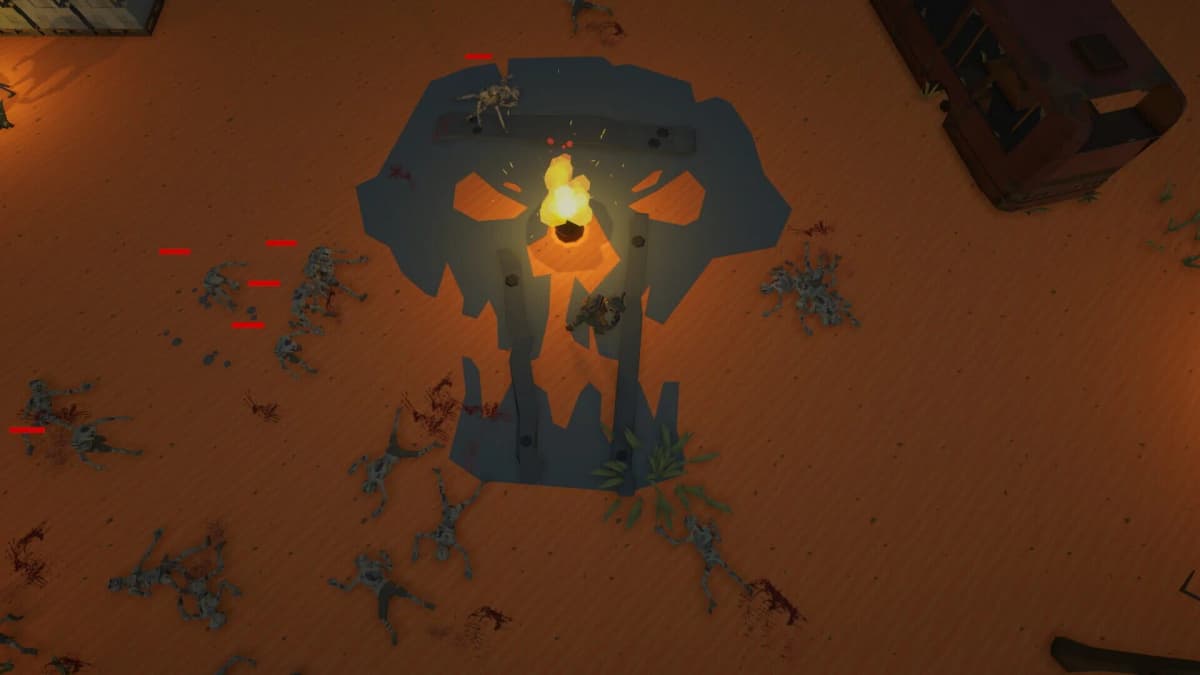
If you are new, that matters: early unlock currency decides how quickly you can leave the default loadout behind. Prefer support? Medic gets you healing utility for the team sooner. Prefer ranged damage? Marksman shortens the wait for cleaner kills. Spend your code credits on the class that fixes your weakest part of a run, not the one that just looks good in the menu.
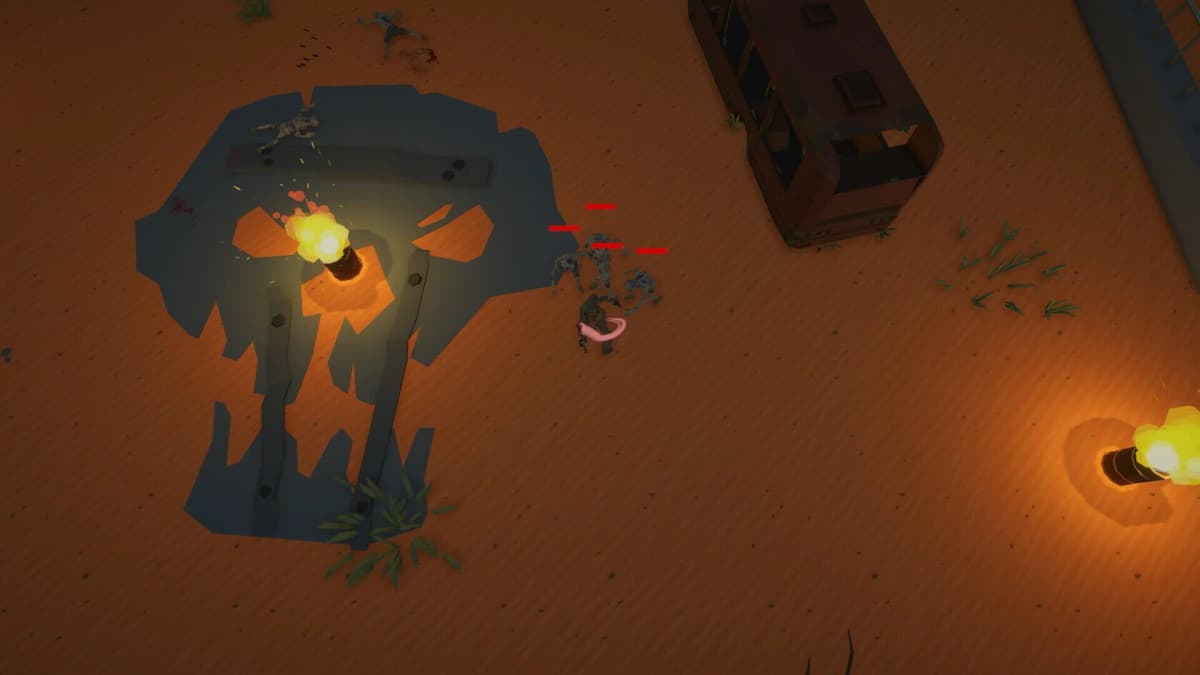
Why some sources say “zombie” and others say “Zombies”
A few video writeups say the code in the singular, but the working code is the plural Zombies with a capital Z, and that is how the written code pages list it for the same 2,500-credit reward. Enter it exactly as shown. Even where Roblox is lenient about capitalization, copying the verified spelling removes an avoidable failure point.
If a code does not work
- Check the spelling. Use
Zombies, notZombie; typeGALACTICin full. - Remove extra spaces. A leading or trailing space triggers invalid-code errors.
- Confirm the menu. The code box is at the bottom of
Shop, not in settings. - You may have already redeemed it. The game does not always show a clear “already claimed” message.
- Assume expiration on the newer code.
GALACTICis tied to an event, so it is the first one likely to be disabled. - Rejoin the game. Leaving and reopening refreshes the shop interface if the UI is acting up.
Where to find new codes
New codes are announced through the game’s official Discord server and its Roblox community channels, not an in-game feed. Watch those around patches and events — GALACTIC dropped with the Galactic Event, which is exactly the kind of moment this game adds codes.
- Join the official Discord for update notes, announcements, and event posts.
- Check the game’s Roblox group for milestone rewards.
- Watch for new codes around patches and in-game events — that is when they land.
Common mistakes
- Typing
Zombie(singular) instead of the pluralZombies. - Looking for a separate promo menu instead of scrolling to the bottom of the shop.
- Trusting undated lists that claim several active codes — the game only has two.
- Sitting on
GALACTIC: it is event-tied and the most likely to expire first. - Spending credits on a class that suits your strongest skill instead of one that covers your weakest.
Practical takeaway
Redeem Zombies for 2,500 credits and grab GALACTIC while the Galactic Event is live: open the shop, scroll to the bottom, type each code exactly, and press Redeem. Put the credits toward the class that fixes your weakest part of a run, and watch the official Discord for the next drop.
FinalBoss // Gear
Level up your setup
01Mobile gaming controllerson Amazon→02Top-rated gaming headsetson Amazon→038BitDo controllerson Amazon→Affiliate links · As an Amazon Associate, FinalBoss earns from qualifying purchases.
Want to Level Up Your Gaming?
Get access to exclusive strategies, hidden tips, and pro-level insights that we don't share publicly.
Ultimate Guide Strategy Guide + Weekly Pro Tips