
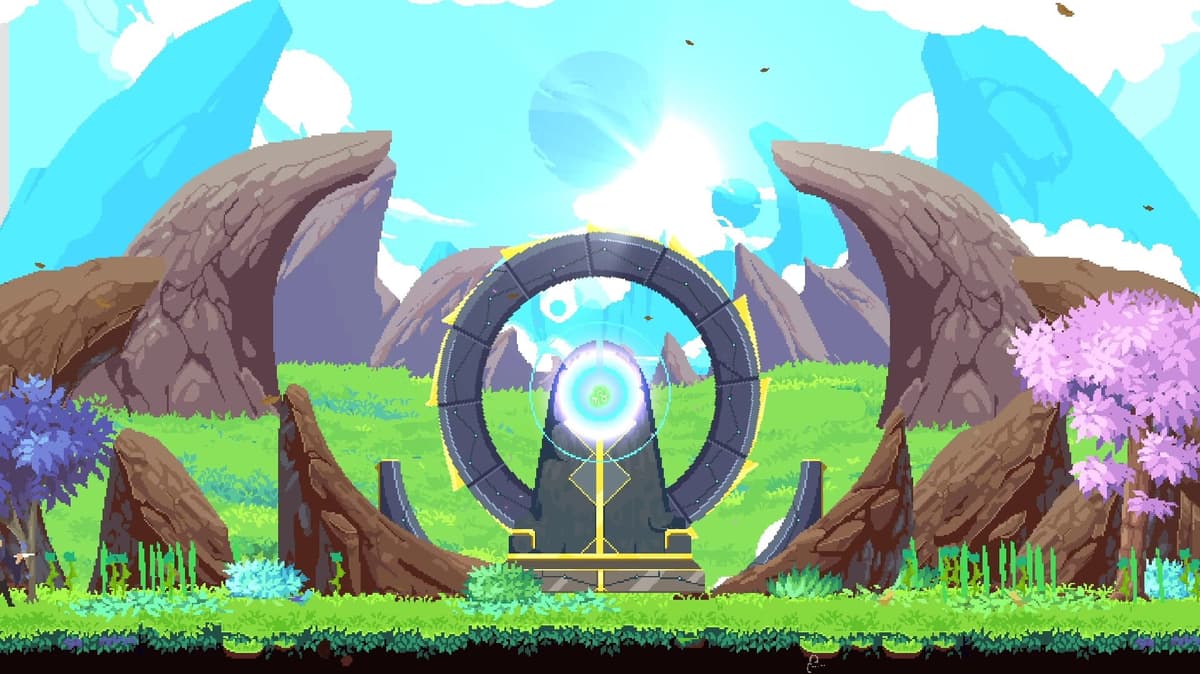
You stand in The Garden in Astral Ascent with a second controller plugged in, and there is no “Multiplayer” button anywhere. That is the trap that wastes most people’s first session. The game absolutely has co-op — it is just 2-player local co-op, joined from inside the hub, not from a network menu. There is no native online mode at all; the only way to play remotely is to stream a local session with Steam Remote Play Together.
Table of Contents (9)
The short version
- Format: 2-player local co-op (shared/split screen). No native online lobbies or matchmaking.
- Unlock first: co-op only appears once you have a second character, which means reaching the first boss.
- How to join: in The Garden, walk Player 2 up to another character and press your spell button — that is the “Enable Player 2” input.
- Online: use Steam Remote Play Together. The host runs the game, the friend streams in.
- Progression: one player is the primary host; end-of-run points feed that host’s stash exactly like single-player.
What Astral Ascent co-op actually is
It is two players, one shared run, on one machine. It is not four-player, and it is not a standalone online mode with a queue or a lobby browser. Steam’s own listing describes it as two-player co-op you play “in local co-op or online using Steam’s Remote Play Together feature” — and the official wiki is blunt about the limit: it is not currently possible to play online together outside of screen sharing.
That distinction sets your expectations. On the same setup, you are playing the mode exactly as intended. To play with someone in another city, you are streaming a local session over Remote Play Together — still local co-op underneath, just piped across the internet.
- Supported: 2-player local couch co-op, shared/split screen
- Not supported: native online matchmaking or separate online lobbies
- Remote option: Steam Remote Play Together (host streams the session to a friend)
Unlock co-op first: reach the first boss
Here is the part nobody tells you up front: co-op is not available from the very start. You begin with a single character, and the second-player option only switches on once you have unlocked a second character — which simply means getting to and clearing the first boss. If you tried co-op on a brand-new save and saw nothing, this is why. Do one short solo run, beat the first boss, and the door opens.
How to start co-op in The Garden
The Garden is the hub where every run begins, and it is where you turn on Player 2. The flow is concrete, so stop hunting for a hidden menu:
- Confirm a second controller is connected and recognized.
- Load into The Garden.
- Walk the second player’s input up to another player character in the hub.
- Press the “Enable Player 2” button — by default this is the same button you use to cast a spell.
- Both characters now move independently. Confirm that, then start your run together.
That spell-button detail is the one most people miss — there is no separate “join” prompt buried in options. You stand next to a character and press the cast input, and the second player drops in. Do it in the hub before you commit to a run, not mid-fight.
How to play Astral Ascent co-op online
If you are not in the same room, the word that matters is online workaround, not online mode. The host launches the game, sets up Player 2 in The Garden as above, then invites the friend through Steam Remote Play Together via the Steam overlay. The friend streams the host’s session and controls the second character with their own controller — a gamepad is required on both ends.
The trade-off is performance. Couch co-op has no streaming compression and no network delay; Remote Play Together adds both. Astral Ascent is a fast action roguelite where dodges and spell timing are tight, so even small latency is felt more than it would be in a slower game. For a step-by-step remote setup, see our dedicated Remote Play setup guide.
- Local first when you can — it is the cleanest, lowest-latency version.
- Steam Remote Play Together is the only practical online route; the host carries the session.
- Test movement and dodging in the hub before a serious remote run — if it already feels muddy, the run will too.
What changes in co-op, and what stays the same
Co-op does not fork the game into a separate “multiplayer version” with different rules. You still launch from The Garden and move through the same roguelite loop — same worlds, same rooms, same bosses. What changes is the rhythm of playing it with someone else.
Progression also stays anchored to one save. There is a primary character, and at the end of a run whatever points you have accrued are applied to that stash exactly as they would be in single-player. The second player is built as an assist — the intent is to help, not compete — so co-op is not a separate economy. It accelerates the host’s progression rather than creating a parallel one.
There is one movement quirk worth knowing: co-op runs on a single shared camera anchored to the primary player. If the second player lags too far behind, the primary can tug them back into the shared view. That tells you everything about pacing — you have freedom to split up briefly, but the run is built around a common pace, which matters most in platforming stretches where drifting apart turns clean rooms messy.
Build for synergy, not duplicate damage
The strongest reason to play co-op is coverage, not raw damage. Each of the base heroes has a distinct kit and a deep pool of spells, so a duo plays best when the two characters cover different ranges and elements rather than mirroring each other. A ranged hero like Kiran can pressure from safety while a closer-range or technical hero holds the room; splitting your elements (for example, an ice character paired with an electric one) gives you two different ways to control crowds instead of one.
- Pick two characters that cover different ranges and elements instead of doubling up by accident.
- Agree who is the aggressor pushing damage windows and who plays safer room control.
- Avoid both players dumping big commitment spells at once — stagger them so one of you can always cover.
- On remote play, keep the plan simple; latency punishes overcomplicated timing.
For concrete duo picks and meta pairings, see our best co-op teams guide, and if you are still deciding who to main, the character roster guide breaks down each hero by playstyle.
Common mistakes
- Looking for a Multiplayer menu. There isn’t one. Co-op is a second player joining in The Garden, full stop.
- Trying co-op on a fresh save. It is locked until you unlock a second character by clearing the first boss.
- Missing the join input. The “Enable Player 2” button is your spell button — press it next to a character, not in a menu.
- Expecting native online. Remote play is Steam Remote Play Together only; both players need a controller.
- Drifting apart in platforming. The shared camera and tug mean you are tied to one pace — move as a pair.
Practical takeaway
Treat Astral Ascent co-op as a shared, local-first roguelite run. Clear the first boss to unlock it, join Player 2 in The Garden by pressing your spell button next to a character, and keep progression flowing into the host’s stash. If you must play remotely, Steam Remote Play Together is the only real option — plan for some latency and keep your duo coordinated. Cover different ranges and elements instead of stacking the same build, move with the shared camera rather than against it, and co-op becomes one of the game’s best ways to play.
FinalBoss // Gear
Level up your setup
01Top-rated gaming headsetson Amazon→02High-refresh gaming monitorson Amazon→03Gaming chairson Amazon→04Discounted game keyson Kinguin→
Affiliate links · As an Amazon Associate, FinalBoss earns from qualifying purchases.
Want to Level Up Your Gaming?
Get access to exclusive strategies, hidden tips, and pro-level insights that we don't share publicly.
Ultimate Guide Strategy Guide + Weekly Pro Tips