
Protect/Destroy 3 is easy to misread because the objective text makes it sound like you walk up to three obvious markers and interact. That is not how this Marathon contract works. It is a two-step chain: first install the UV Protocol in the southwest of Intersection, then go to Maintenance and tag three locations there. Skip the install and the tag spots simply will not respond, which is why so many runs feel bugged.
Table of Contents (9)
The short version
- Install first, tag second. Grab the UV Protocol from the blue secure building in southwest Intersection and install it in the secure room there before you tag anything.
- Five power boxes gate the building. Four are on the exterior; one is inside, above the doorway. Shoot all five to open the path to the cabinet upstairs.
- Run Maintenance for the three tags. It is the most compact area and the shortest route from Intersection. Complex and AI Uplink also count as valid tag zones, but they cost you travel time and expose you to more players.
- You only need three tags total. Each area holds more tag points than you need, so reaching any three valid spots clears the step.
- Death resets the contract. Die after starting the chain and you restart it from the beginning in a new match. Gear and heal before you install.
What the objective is actually asking you to do
“Tag marked locations” does not mean the game paints giant targets across the map. The tag prompts only resolve when you are close to the correct surface, so from a distance a valid spot can look like an ordinary wall, ledge, or platform. Move to the landmark first, then expect a short-range interaction prompt rather than a billboard-sized beacon.
The other thing that trips people up is the scan itself. Tagging is not instant. Once you start the interaction, hold position until the scan completes. If you strafe, peek, or panic-move because you hear gunfire, you cancel the progress and assume the spot is broken. Treat every tag as a short commitment window: clear immediate threats, start the interaction, then stand still until it finishes.
Step 1: Get the UV Protocol in southwest Intersection
Before you can tag anything, you need the UV Protocol. Head to the locked blue secure building in the southwest section of Intersection. The building is powered by five boxes: four on the outside and one inside, mounted above the doorway. Shoot all five to cut the power, then go upstairs and take the UV Protocol from the cabinet.
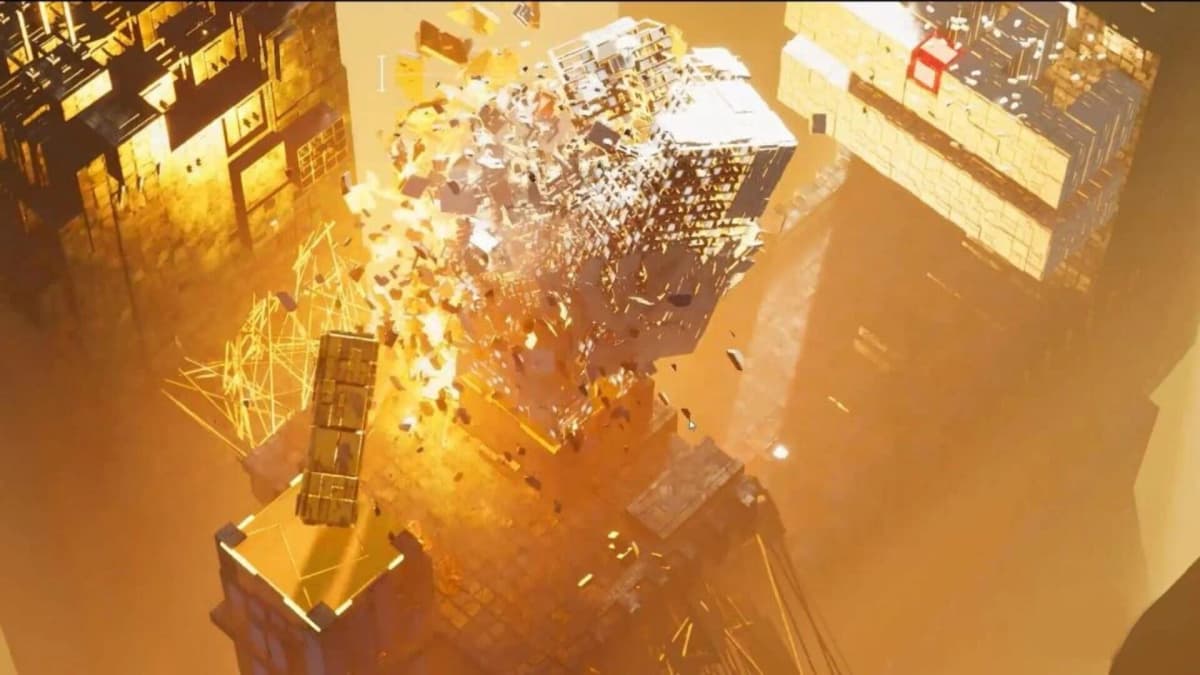
- Go to the blue secure building in southwest Intersection.
- Shoot the four exterior power boxes first so you do not backtrack.
- Find the fifth box inside, above the doorway, and destroy it.
- Go upstairs and collect the UV Protocol from the cabinet.
- Install the protocol in the secure room in southwest Intersection before you leave for your tag route.
This setup phase matters because the contract does not count the tag step on its own. Most failed runs happen when a player loots the protocol, runs off without installing it, then reaches the correct walls later and gets no valid interaction. The fix is almost always the same: install the protocol before you move on.
Step 2: Use the Maintenance route for all three tags
Once the UV Protocol is installed, head to Maintenance. Complex and AI Uplink are also valid completion zones, but Maintenance compresses the objective into one manageable area — less travel time, fewer chances to get third-partied, and fewer ways to lose a run to the contract’s one-life structure. Die after starting the chain and you restart the contract from the beginning in a new match, so path efficiency is not just convenient; it is how you protect your progress.
The documented Maintenance tag spots
- Inside the small building northeast of Maintenance.
- Near the “Level 1” sign, beside the ladder on the north side.
- On the upper north platforms — two tag points sit close together here.
Maintenance carries more tag points than you need, and you only have to land three total, so do not waste time hunting for one “perfect” marker. Move through the area with those landmarks in mind. When you reach a section, slow down and check flat surfaces, ledges, and walls that look slightly empty compared with the rest of the space until the interaction prompt appears.
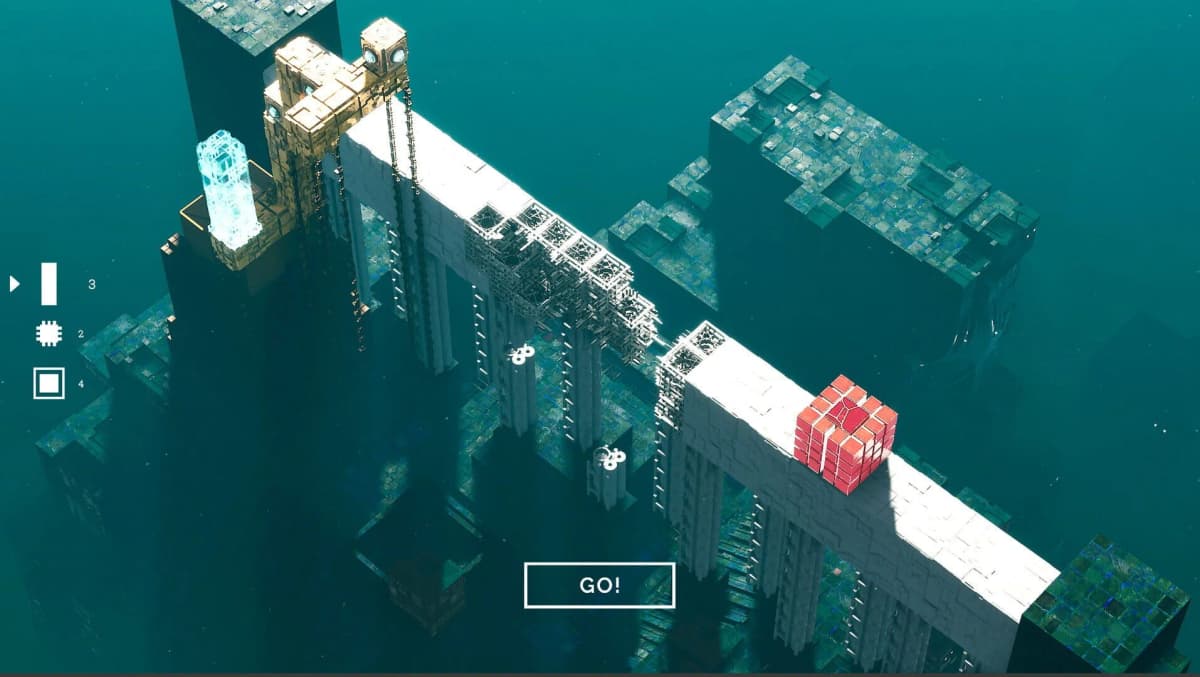
A practical route is to clear the northeast building first, then drop toward the “Level 1” sign by the north-side ladder, and finish on the upper north platforms where two points sit together. The exact order matters less than keeping your movement tight and not doubling back across open sightlines once enemy players know the area is active.
How tagging works when you are standing at the right spot
At the correct surface, the on-screen interaction to tag it appears. Start the prompt and hold position until the scan completes. Do not step off a ledge, do not sidestep to peek, and do not assume the first half-second means it has registered. If you are exposed, clear the room or at least listen for nearby movement before committing. The window is short, but it is long enough to fail if you treat it like a tap-and-go objective.
If the interaction is not appearing, one of four things is usually wrong: you have not installed the UV Protocol yet, you are at the right landmark but the wrong surface, you are too far for the prompt to resolve, or you are leaning on a less-documented zone with vague location calls. For most players the fix is not to experiment in Complex or AI Uplink — it is to return to Maintenance and work the documented spots carefully.
Protect vs Destroy: finishing the chain without throwing the run
Treat this as one uninterrupted mission, not two mindsets. The “protect” side is the secure setup around Intersection and installing the UV Protocol. The “destroy” side is the fieldwork — applying that setup by tagging the required locations. The mistake is playing the first half like a warm-up and the second half loose. Because death resets the chain, you should gear, heal, and route-plan before installing, not after.
- Do your ammo and healing check before leaving Intersection.
- Do not detour for side loot once the contract is active unless you genuinely need supplies.
- Avoid unnecessary PvP if your path to Maintenance is open.
- After each successful tag, rotate straight to the next spot instead of lingering to confirm visually.
- Once the third tag completes, play extraction-minded rather than kill-minded.
Common mistakes that waste the most time
- Skipping the install step. Looting the UV Protocol is not the same as advancing the contract. Install it first.
- Expecting big objective beacons. The tag spots are proximity-based and often subtle, so close the distance before you judge a wall.
- Moving during the scan. Starting the interaction and drifting sideways is enough to blow the tag.
- Wandering off to Complex or AI Uplink. They count, but the route detail is weaker and the risk is higher than Maintenance.
- Dying after the chain starts. That sends you back to the beginning in a fresh match.
That last mistake is the one to respect most. If you are undergeared, low on meds, or hearing heavy player traffic around Intersection, reset your plan early rather than forcing the install and losing the whole chain halfway through Maintenance. This is an objective where disciplined routing beats raw fighting skill.
For more on staying alive long enough to finish a contract, see our Marathon survival tips for raids, and if you are stacking objectives in one run, our DCON locations guide covers the consoles you will pass on the way.
Practical takeaway
Install the UV Protocol in southwest Intersection — shoot all five power boxes, grab it from the cabinet upstairs, and install it in the secure room before you leave. Then run Maintenance and land any three of the documented tags: the northeast building, the “Level 1” sign by the north ladder, and the upper north platforms. Get close, find the correct surface, start the tag, and stand still until it finishes. Do it in one disciplined run, because dying sends you back to the start.
FinalBoss // Gear
Level up your setup
01Top-rated gaming headsetson Amazon→02High-refresh gaming monitorson Amazon→03Gaming chairson Amazon→04Discounted game keyson Kinguin→Affiliate links · As an Amazon Associate, FinalBoss earns from qualifying purchases.
Want to Level Up Your Gaming?
Get access to exclusive strategies, hidden tips, and pro-level insights that we don't share publicly.
Ultimate Guide Strategy Guide + Weekly Pro Tips