
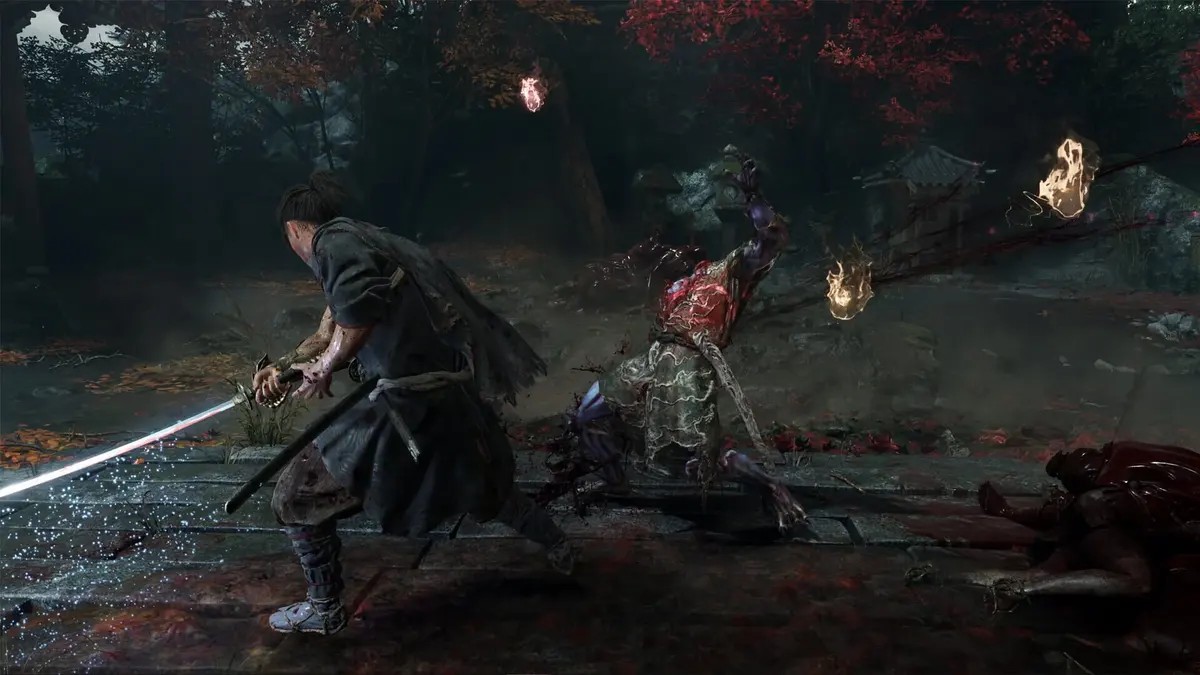
PS5 and Xbox Series X|S are the versions to choose for a 60fps target. Nintendo Switch 2 is the portability-focused version, built around upscaled 1080p output in docked mode and upscaled 900p in handheld mode, both with a fixed 30fps default. That is a deliberate split in priorities rather than a minor settings difference.
For Onimusha: Way of the Sword, frame-rate behavior matters more than it would in a slower exploration game. Miyamoto Musashi’s combat depends on reading weapon arcs, committing to attacks, and reacting quickly during boss encounters. A clean 60fps update cadence makes camera movement and animation tracking easier to parse. A stable 30fps mode can still work well, provided its frame pacing holds.
Table of Contents (7)
The platform targets at a glance
| Platform | Default target | Alternative mode | Resolution behavior | Best fit |
|---|---|---|---|---|
| Nintendo Switch 2, docked | 30fps | Variable 30-40fps | Upscaled output up to 1920×1080; output can fall below that ceiling | TV play with image quality and stable pacing prioritized |
| Nintendo Switch 2, handheld | 30fps | Variable 30-40fps | Upscaled output up to 1600×900 | Portable play, where the smaller panel masks some detail reduction |
| PlayStation 5 | 30fps quality mode | 60fps performance mode | 4K-class quality output; performance mode reduces resolution to reach 60fps | The strongest console balance for action-focused play |
| PlayStation 5 Pro | Quality-focused reconstruction path | 60fps performance path | Can work from 1296p with upgraded PSSR reconstruction | Higher-end image quality without giving up modern reconstruction tools |
| Xbox Series X | 30fps quality mode | 60fps performance mode | 4K-class quality output; lower-resolution performance path | 60fps console play with stronger hardware headroom |
| Xbox Series S | 30fps quality mode | Higher-frame-rate performance mode | Lower output ceiling than PS5 and Series X; 1080p-class targets are listed for this version | Existing Series S owners who prioritize frame rate over pixel density |
| PC | Settings-dependent | Settings-dependent | Published targets span 1080p, 1440p, and 2160p | Players with sufficient hardware who want granular control |
Switch 2 is designed around a stable 30fps presentation
Switch 2 defaults to 30fps in both operating modes. Docked output tops out at 1920×1080, while handheld output tops out at 1600×900. Both figures are upscaled targets, so the RE Engine is rendering below the displayed pixel count and reconstructing the final image. The docked version can also run below 1080p when a scene requires it.
The practical implication is straightforward. The Switch 2 version preserves the game’s core presentation — detailed character faces, real-time cutscenes, cloth movement, hair simulation, and the heavy animation work behind its sword combat — while reducing the raw image budget. Texture detail and interior lighting are the areas most likely to show the compromise. On a large 4K television, those reductions will be easier to spot than they are on the portable display.
The optional variable mode raises the frame-rate window from a locked 30fps to 30-40fps. That range translates to frame times moving between roughly 33.3ms and 25ms. It can look smoother when the game remains near 40fps, especially on Switch 2’s VRR-capable handheld screen, though it also gives up the even cadence of a consistent cap. The fixed 30fps option remains the correct setting for players who value predictable motion during dense combat and camera sweeps.
Switch 2 does not have a 60fps mode for Onimusha: Way of the Sword. The variable option tops out at 40fps. Anyone buying specifically for the cleanest motion during parries, counters, and boss phases should treat that limitation as decisive rather than expecting a future menu toggle to close the gap.
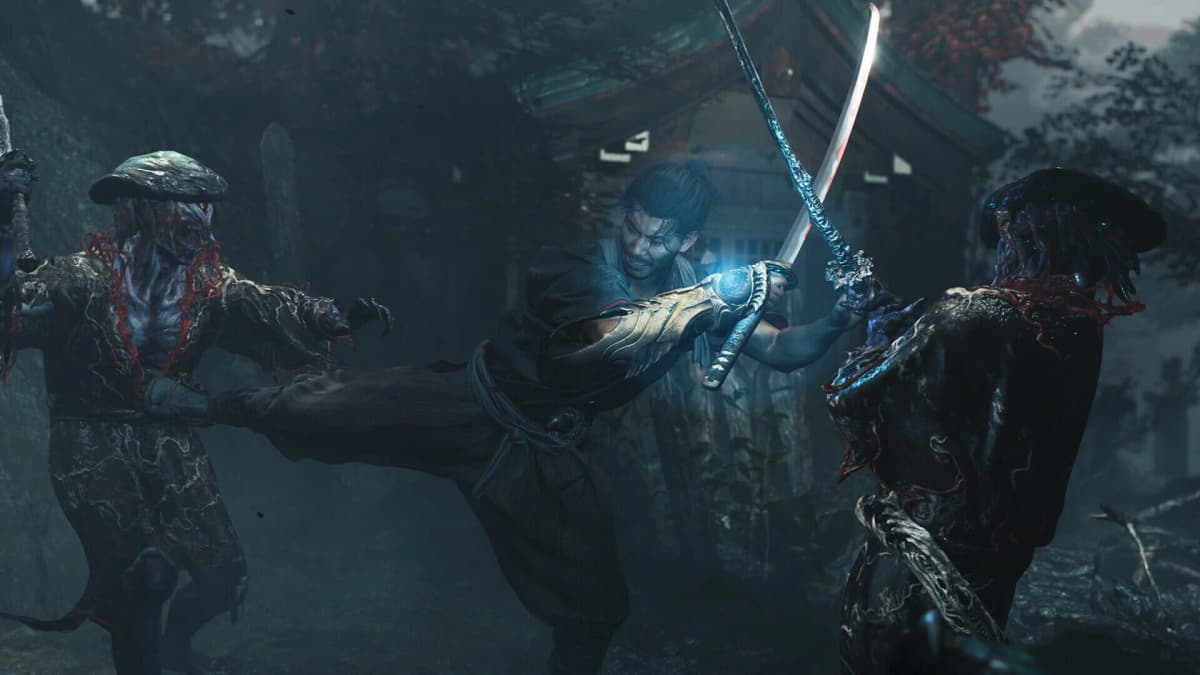
PS5 and Xbox Series X|S offer the cleaner choice for 60fps combat
PS5 and Xbox Series X|S use the familiar quality-versus-performance split. Quality modes target 30fps and put more of the GPU budget into image quality. Performance modes target 60fps by lowering the resolution burden. At 60fps, each frame is presented every 16.7ms instead of every 33.3ms at 30fps. That does not automatically halve controller latency, since engine processing and display latency remain factors, though it gives the player twice as many visual updates to read incoming attacks.
For a game built around deliberate melee exchanges, performance mode is the more sensible default on PS5 and Series X. The visual cost of a lower internal resolution is usually less disruptive than a lower frame rate in close-quarters sword combat. Quality mode has a clear role for slower sessions, cinematic exploration, and players using a large display where the extra image clarity carries more weight.
Xbox Series S carries the expected compromise. It retains a 30fps quality option and a higher-frame-rate performance path, with a lower resolution ceiling than Series X and PS5. Published mode summaries place its performance configuration in 1080p-upscaled territory at 60fps. The Series S version makes most sense for owners already in that ecosystem who are prepared to prioritize motion over sharpness.
PS5 Pro has the most technically interesting image-quality route. Its upgraded PSSR reconstruction can operate from a 1296p base in the relevant mode, then rebuild the output image. That is a more efficient use of rendering resources than chasing native 4K in every situation. It also avoids wasting performance on pixels that contribute less to the final experience than stable animation and clean reconstruction.
PC has the widest range, with hardware still setting the limits
PC is the only version with a settings ladder extending from a modest 1080p/30fps target to 1080p/60fps, 1440p/60fps, and 2160p/60fps-class configurations. The published minimum specification calls for Windows 11, 16GB of RAM, a 50GB SSD, DirectX 12, and either a Core i5-8400 or Ryzen 3 3100 paired with a GeForce GTX 1660 6GB or Radeon RX 5500 XT 8GB.

That minimum tier is a 1080p/30fps entry point, not a recommendation for a high-refresh experience. PC is the right version for players with a capable modern GPU, a 120Hz or VRR display, and a willingness to tune settings around their own frame-rate target. The published requirements establish 60fps targets at several resolutions; they should not be read as a guarantee that every system can sustain the same settings through every effects-heavy encounter.
Steam Deck needs a separate level of caution. Its 1280×800 display has fewer pixels to drive than a television, yet the available presentation is already low-resolution even at that native screen size. There is no established Deck performance target comparable to the Switch 2, PS5, Xbox, or PC tiers. It is not the platform to select for image clarity or a dependable high-frame-rate route.
Which mode should each platform use?
- Switch 2 docked: Use the fixed 30fps mode for the most consistent frame-time behavior. The 1080p upscaled ceiling is reasonable for a living-room setup, though it will look softer than the stronger console versions on a large display.
- Switch 2 handheld: Start with fixed 30fps. The 900p upscaled ceiling fits the portable screen better, and the handheld form factor is the version’s primary advantage.
- Switch 2 variable mode: Use the 30–40fps option only when a modest boost in motion smoothness matters more than even frame pacing. VRR helps its presentation in handheld mode, without changing its 40fps ceiling.
- PS5 and Xbox Series X: Use performance mode for a first playthrough focused on combat. Switch to quality mode only when the higher-resolution presentation is the priority.
- PS5 Pro: Use the PSSR-enabled quality path when image reconstruction and display quality are the goal; use the 60fps path when combat readability takes precedence.
- Xbox Series S: Favor the higher-frame-rate mode. The hardware trade-off is already resolution-heavy, making 60fps the more valuable gain.
- PC: Set a frame-rate limit that matches the display and tune resolution, upscaling, and effects around it. A stable target is preferable to a fluctuating one with marginally higher settings.
What the resolution cuts do to RE Engine’s presentation
RE Engine scales well because it can preserve the parts of an image players read first: character animation, material response, faces, combat effects, and scene composition. That is why the Switch 2 version can retain the identity of Onimusha: Way of the Sword despite its lower target. The reduced pixel budget has to come from somewhere, and it generally comes from texture definition, fine foliage or environmental detail, interior light complexity, and overall image stability in motion.
Upscaling is central to that compromise. A 1080p or 900p upscaled output label describes the image sent to the display, not a native-resolution render. Reconstruction can produce a credible final frame, though fine edges, transparency effects, and dense movement remain the hardest material for it to resolve. The larger the screen and the closer the viewing distance, the more those artifacts matter.
The stronger consoles avoid much of that pressure. Their quality modes pursue 4K-class output, while performance modes redistribute the rendering budget toward 60fps. PC makes the same trade adjustable rather than fixed. Switch 2 chooses a narrower target so that the game remains viable in both docked and handheld forms.
Pros and cons of the platform split
FinalBoss // Gear
Level up your setup
01Best-selling Switch 2 gameson Amazon→02Switch 2 accessorieson Amazon→038BitDo controllerson Amazon→04Discounted game keyson Kinguin→
Affiliate links · As an Amazon Associate, FinalBoss earns from qualifying purchases.
Want to Level Up Your Gaming?
Get access to exclusive strategies, hidden tips, and pro-level insights that we don't share publicly.
Ultimate Tech Strategy Guide + Weekly Pro Tips