
Table of Contents (12)
Why Fast Travel in Windrose Feels So Confusing at First
The first time I realized how badly I needed fast travel in Windrose was after a 15-minute sail back from a resource run, only to clip a rock, lose my ketch, and then get dumped back on the starter island. No map marker, no shortcut, just that slow, resigned walk up the beach. I assumed there was some obvious teleport system I had missed in the menus.
There isn’t. Windrose ties fast travel to an item you actually build into the world: Fast Travel Bells and the Fast Travel Points you craft with them. It is elegant once you understand it, but the game doesn’t really explain how all the pieces fit together, which is why a lot of players (me included) just keep sailing in circles for hours.
After spending a good chunk of time trial-and-erroring my way through bells, workbenches, and bad placement decisions, I finally have a setup that makes exploration feel smooth instead of exhausting. This guide walks you through how to unlock, craft, and actually use fast travel in Windrose, plus the little tricks and traps I wish I had known right from the start.
How Fast Travel Works in Windrose (Big Picture)
Before we dive into steps, it helps to understand the system at a high level. Windrose doesn’t have “teleport to discovered town” like some RPGs. Instead, it uses three linked pieces:
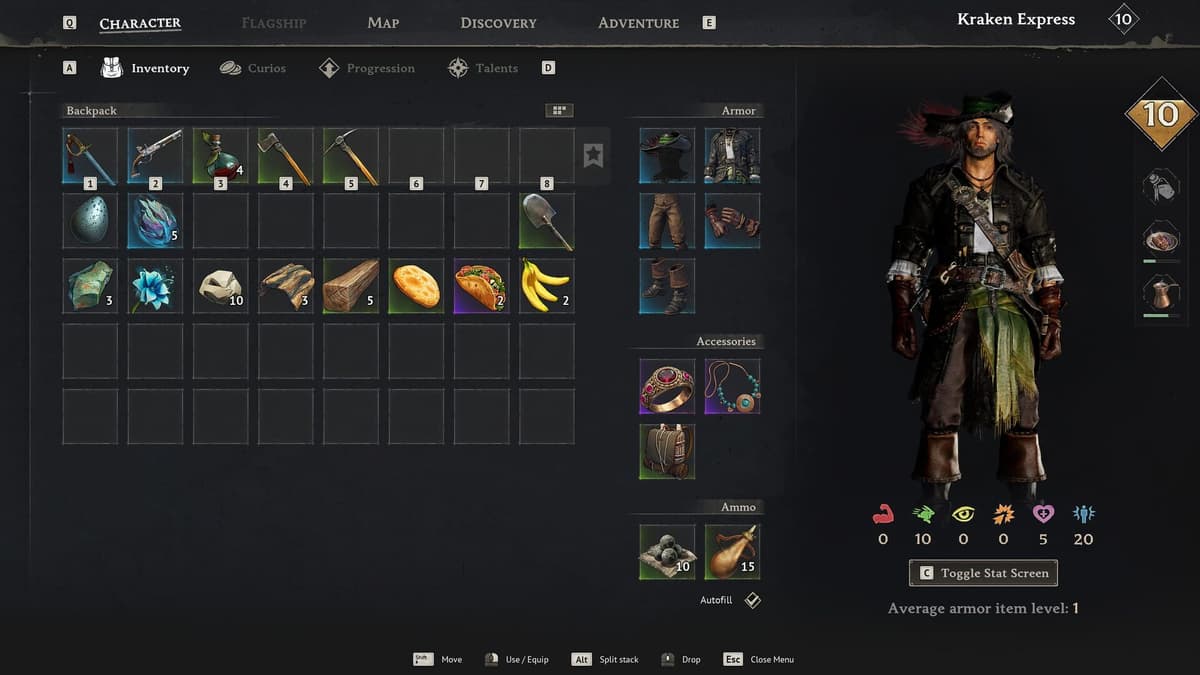
- Fast Travel Bell – a crafted item made from 10 Copper Ingots and 3 Rope.
- Fast Travel Point – a structure you build in the world using 20 Wood + 1 Fast Travel Bell, placed on the coastline near water.
- Ship integration – once you have at least one Fast Travel Point, you can warp to it directly from your ketch/ship via the map.
On foot, you fast travel between Fast Travel Points. At sea, your ship can warp to a Fast Travel Point even if it’s the only one you have. You can place up to 10 custom Fast Travel Points per world; some faction hubs and special islands have their own built-in points that don’t count against that cap.
With that in mind, let’s go step by step, from your first Bell to a proper network.
Step 1 – Unlock the Fast Travel Bell Recipe
I wasted my first few hours desperately scrolling my crafting menus assuming the Bell was locked behind some level requirement. It’s not. The recipe unlocks the first time you physically find a Bell in the world.
Where to Find Your First Bell
On the starter island, you have two reliable early options:
- Shipwrecks on the beach – Look for wrecks marked with a small magnifying glass icon on your HUD when you get close. These “points of interest” often have a chest or crate with a Fast Travel Bell inside.
- Smuggler’s Cache – This looks like a partially covered hole in the sand with planks and leaves over it, usually guarded by a Drowned-type enemy. Clear the enemy, loot the cache, and there’s a good chance you’ll find a Bell.
You only need to loot one Bell for the recipe to unlock globally in your crafting menu. From that point on, you can craft as many Bells as your materials allow.
Tip: Don’t burn your first found Bell by immediately turning it into a Fast Travel Point unless you already have the materials for a second one. Until you understand placement, it’s better to treat it as your “template” and craft more.
Prepping Materials While You Explore
The moment you know Bells exist, you should start stockpiling the ingredients, even before the recipe appears:
- Copper Ore → Copper Ingots: Mine copper nodes with your pickaxe. Set up a furnace at your camp and smelt ore into Copper Ingots.
- Plant Fiber → Rope: Harvest bushes and plants to build up Plant Fiber, then craft Rope in your inventory or at a crafting bench.
- Workbench: Build at least a Level 1 Workbench near a bonfire so you can craft the Bell once the recipe unlocks.
By the time you find your first Bell, having a small copper stockpile and a functioning workbench saves you a full in-game day of catch-up gathering.
Step 2 – Crafting the Fast Travel Bell
Once you’ve looted your first Bell and seen the recipe pop into your crafting list, it’s time to actually make one. Head back to your base camp.
- Stand near your Workbench (Level 1 is enough).
- Open the crafting menu (on PC, usually
For the interact key while facing the bench). - Find the Fast Travel Bell under the appropriate category (often Utilities or Tools).
- Make sure you have:
- 10 Copper Ingots
- 3 Rope
- Craft the Bell.
The first time I did this, I made the mistake of crafting exactly one Bell and immediately building a Point on my starter beach, then sailing off happily—only to realize I had no materials left for a second point and no way to warp back.
What I recommend instead:
- Craft at least two Bells before you commit to building your first Fast Travel Point, if you intend to use land-based teleportation right away.
- Or, if you mainly want ship-based warping, you can get away with just one Bell at your home base, then rely on your ketch to warp back there.
Also, keep the crafted Bells in your inventory, not in a random chest you’ll forget about. You want them ready when you reach a good coastline spot.
Step 3 – Building Fast Travel Points (Placement Matters!)
This is the part that confused me most. The game lets you craft the Fast Travel Point through the build system, but it’s specific about where it will actually place.
- Enter Build Mode (on PC, press
B). - Navigate to the Crafting & Utilities tab.
- Select Fast Travel Point.
- Ensure you have:
- 20 Wood
- 1 Fast Travel Bell
- Move your cursor around until you find a valid placement area.
The critical rule: Fast Travel Points must be placed on the coastline, near water. Think of them like little dock shrines. If you try to shove one deep inland, the placement outline will stay red and refuse to build.
My first mistake was trying to tuck a Point safely inside my base walls, far from the sea. No dice. The workaround is to design your base with a small pier or open shoreline area specifically reserved for a Fast Travel Point.
For your first two Points, I recommend:
- Point #1 – Home Base Coast: Place this right where your main base meets the sea. This becomes your most important anchor.
- Point #2 – Resource/Story Island: Once you sail to your first major neighboring island, drop a second Point on its shore, ideally near key resources or a safe camp spot.
From this moment on, you officially have a two-way teleporter network on foot. Standing at either Point, you can warp to the other.
How to Use Fast Travel Points on Foot
Interacting with a Point is straightforward, but there are a couple of hidden “gotchas” the game doesn’t spell out clearly.
- Approach the Fast Travel Point until you see the interaction prompt.
- Press the interact button (on PC, usually
E). - A menu will open listing all discovered Fast Travel Points in your world.
- Select the destination and confirm to warp.
Restrictions you’ll run into:
- You generally cannot fast travel while actively in combat or being chased. Kite enemies away or lose them before using a Point.
- If your character is mid-animation (climbing, swimming, etc.), you may need to stand still briefly for the prompt to appear.
Once you understand this rhythm, inland exploration becomes much less punishing. You can wander far from shore knowing that, worst case, you hike back to the nearest Point and warp home instead of retracing every step.
Using Fast Travel from Your Ship (Single-Point Warping)
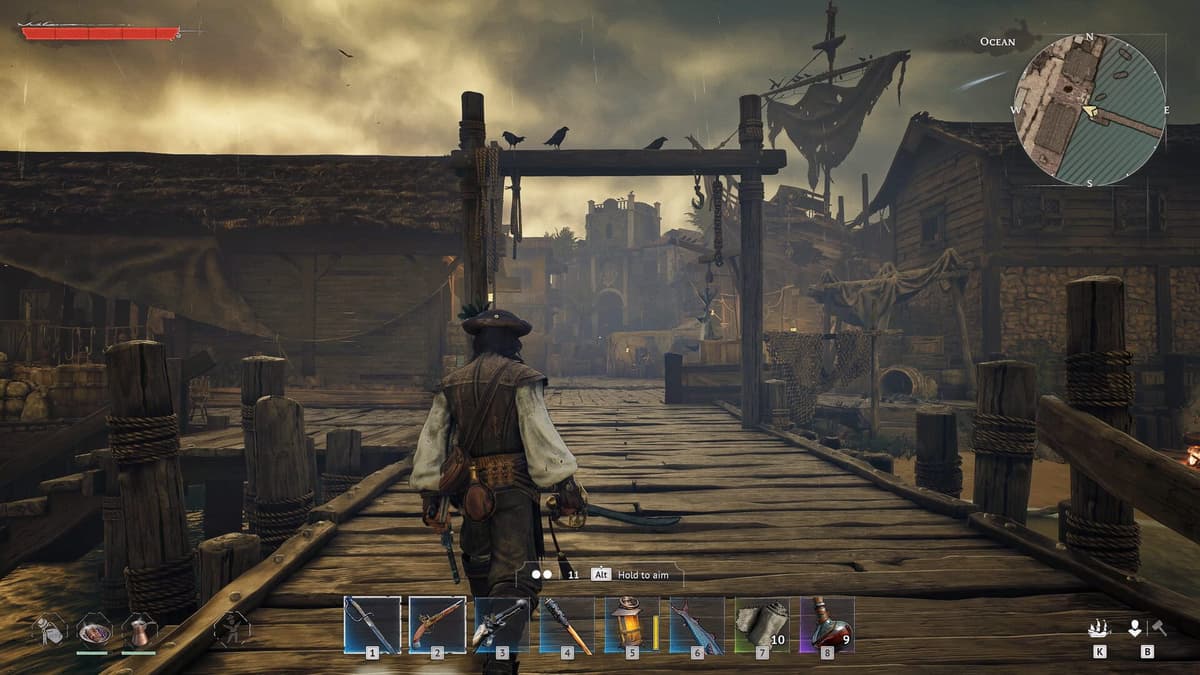
Here’s the part I completely missed for a while: your ship only needs one Fast Travel Point in the entire world to function as a pseudo-teleporter.
As soon as you’ve built a Point on any coastline, do this while sailing:
- Board your ketch/ship.
- Open the world map (on PC, usually
M). - Look for the Fast Travel Point icon you placed.
- Select it and confirm the fast travel.
As long as you’re not in combat or being actively pursued at sea, your ship will warp directly to that Point. This is why I strongly recommend your first Fast Travel Point be at your main base: you’ve essentially created a “Recall to Base” button for your ketch.
This single feature completely changed how I approached long-distance sailing. Instead of plotting a safe route home every time, I sail until my storage is full, then just fast travel the ship back to my base coastline Point, unload, and head out again.
Dealing with the 10-Point Limit (Placement Strategy)
Windrose caps you at 10 custom Fast Travel Points per world. At first that sounds like more than enough, but once you start reaching far-flung islands and faction zones, it fills up quickly.
What helped me is treating Points like a backbone network instead of dropping one on every beach I visit. Here’s a layout that has worked well:
- 1–2 Points: Home Infrastructure
- Main base coastline.
- Backup base or secondary production hub if you use one.
- 3–4 Points: Key Resource Islands
- Islands with unique ores or rare plants you farm repeatedly.
- Place them near both resources and a safe anchoring spot.
- 2–3 Points: Story / Faction Hubs
- Important quest hubs without their own built-in points.
- Regions you know you’ll revisit for trading or NPCs.
- Remaining Slots: Exploration Outposts
- Rotating Points you move or replace as you push deeper into new regions.
Because some islands and faction bases have pre-made Fast Travel Points that don’t count toward your 10, always check new hubs carefully before spending your own Bell there. If there’s already a point you can use, save your Bells for truly remote locations.
Advanced Trick – Farming Extra Bells via World-Hopping
If you really want to min-max your Bell supply, there’s a quirk in how Windrose handles worlds and inventory that you can exploit (at least as of early 2026).
- Each newly created world generates its own starter island loot, including a starter Fast Travel Bell (usually via a shipwreck or cache).
- Your character inventory persists across worlds.
What this means in practice:
- Create a new world.
- Rush the starter island shipwrecks / Smuggler’s Cache, grab the Bell.
- Log out, return to your main world—the Bell comes with you.
- Repeat as desired to stockpile Bells quickly without spending copper and rope.
It’s obviously a bit cheesy and could be patched out, but if you’re on a tight resource budget and want a full network early, it works. I only did this a couple of times to give myself enough Bells that I didn’t have to obsess over every single placement.
Common Mistakes to Avoid
Most of my frustration with Windrose fast travel came from avoidable errors. Learn from mine:
- Building your first Point in a bad spot – Don’t slap it down at the exact spawn beach just because it’s there. Wait until you’ve picked a real base site.
- Forgetting you need two Points for land warps – One Point plus ship works; one Point on foot does not. Plan for at least two if you care about walking fast travel.
- Ignoring the coastline rule – You can’t place Points inland. Design your base so the shoreline is safe and accessible.
- Fast travel while hunted – If you can’t get the interact prompt or map fast travel option, you’re probably flagged as in combat. Break line of sight and wait a few seconds.
- Blowing Bells on places with built-in Points – Check new islands and faction bases for pre-existing Fast Travel Points before spending your own resources.
- Not backing up your “home” Point – If your only custom Point is at some far-off island and you misplace your ship, getting back to your real base becomes a slog.
FinalBoss // Gear
Level up your setup
01Top-rated gaming headsetson Amazon→02High-refresh gaming monitorson Amazon→03Gaming chairson Amazon→04Discounted game keyson Kinguin→Affiliate links · As an Amazon Associate, FinalBoss earns from qualifying purchases.
Want to Level Up Your Gaming?
Get access to exclusive strategies, hidden tips, and pro-level insights that we don't share publicly.
Ultimate Guide Strategy Guide + Weekly Pro Tips