
If you keep getting lost on your way to The Encroachment, the problem is almost always that you are reading the GATE facility like a flat maze instead of a transit network. The Encroachment is a fixed, discoverable location in Abiotic Factor — one of the portal-world areas, sometimes called the “Core Keeper cave” — not a roaming event that moves around. That single fact changes how you should use a map to get there.
Table of Contents (9)
The short version
- The Encroachment is a fixed portal-world location (the “Core Keeper cave”), not a random event — so you can plan a repeatable route to it.
- The fastest approach uses the facility tram: ride it to the far side of the facility, then walk the final stretch.
- Plan the route from the tram outward, not from the destination room inward.
- Expect at least one hostile creature in the destination area — keep a disengage plan ready before you arrive.
- On a map, isolate transit, level-change and threat markers first; hide loot clutter until you are in the right sector.
What The Encroachment actually is
Treat The Encroachment as a destination, not a phase of free exploration. It is a discoverable portal-world area inside the GATE facility — the location players also refer to as the Core Keeper cave — and because it is fixed, the route to it is stable enough to memorise and reuse. That is why route planning beats blind corridor-scanning here: you are reaching a known spot, not chasing a moving objective.
So before you move, stop trying to learn the whole facility at once. You only need to answer three questions: which tram leg gets you closest, what the short walk on the far side looks like, and what can kill you when you arrive.
Take the tram — it is the intended route
The reliable way to reach The Encroachment is the facility tram. The route runs across the facility: you board, ride to the other side, and finish on foot. Walking the whole way is slower and far easier to misread in a facility this size, so the tram is not an optional shortcut — it is the backbone of the run.
Plan it as a chain, from the tram outward:
- Find your current station or the one nearest your base.
- Board and ride to the far side of the facility — that is the side The Encroachment sits on.
- Disembark, then trace only the short walking segment into the area itself.
Memorise it as three chunks: base to tram, tram to the far side, and station exit to The Encroachment. If a fight forces you to retreat, you only have to recover one chunk at a time instead of re-solving the whole layout under pressure. In co-op, hand route-calling to one player while the others watch your flanks.
Expect a creature when you arrive
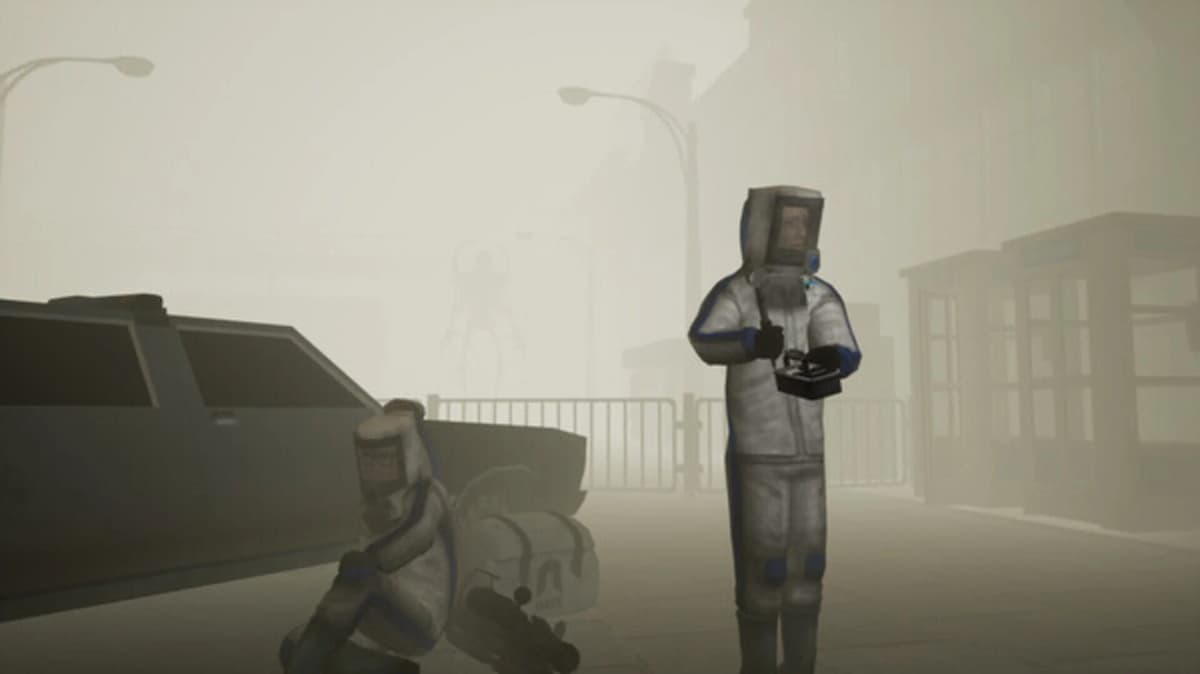
There is at least one hostile creature in the destination area. Walk in expecting it. The smart move is to clear your exit before you commit: know where the station back to the tram is, keep that line open, and do not get boxed into a dead-end corridor with the creature between you and the way out.
Slow down on the final approach. The Encroachment is the kind of place where one wrong turn under pressure costs more than the whole tram ride did. Listen, advance in short steps, and keep the retreat path clear rather than sprinting blind toward the objective.
How to set up your map for the run
An interactive map is most useful here when you strip it down to the route. Before you move, hide everything except transit, level-change and threat markers. Most wasted runs happen because players leave every icon on, chase the nearest room label, and miss that the real path is a tram stop, not the corridor in front of them.
- Enable tram stops and transit nodes first.
- Enable stairs, ladders and elevators next, so a level change does not surprise you.
- Enable hostile or creature markers after that.
- Hide loot icons until you are already in the correct sector.
- Zoom out to see the tram backbone, then zoom in for the final walk.
If your map has a search box or location list, find The Encroachment by name first, then zoom out until the nearest tram line appears. Before each turn on the final stretch, check whether it is on your current level — if a stairwell or elevator is in the way, treat that connector as your real short-term goal, then reassess. That habit alone stops most of the doubling-back that makes a correct map feel “wrong.”
A repeatable route you can reuse
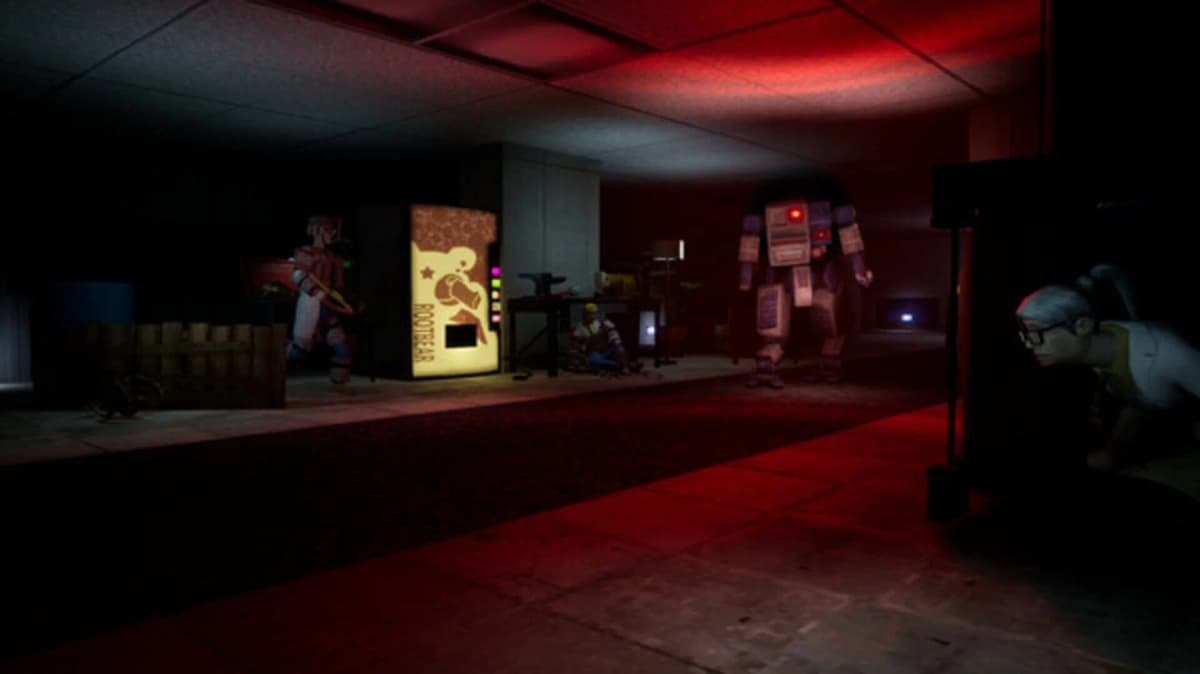
Because The Encroachment is fixed, you do not need to script every footstep — you need a routine that survives a patrol, a detour or an update:
- Start from a known point: your base or a remembered station.
- Ride the tram to the far side of the facility.
- Walk the short, safe segment from that station to The Encroachment.
- Arrive expecting a creature, with your exit route already mapped.
- Finish navigation first; sweep side rooms for resources only after the path is open.
Players lose the run at the very end because the facility invites detours. If your goal is The Encroachment, confirm the path and secure the area first, then loot.
Common mistakes
- Walking the whole way instead of taking the tram across the facility.
- Leaving every marker on and drowning the route in visual noise.
- Chasing the nearest corridor when the tram is the faster approach.
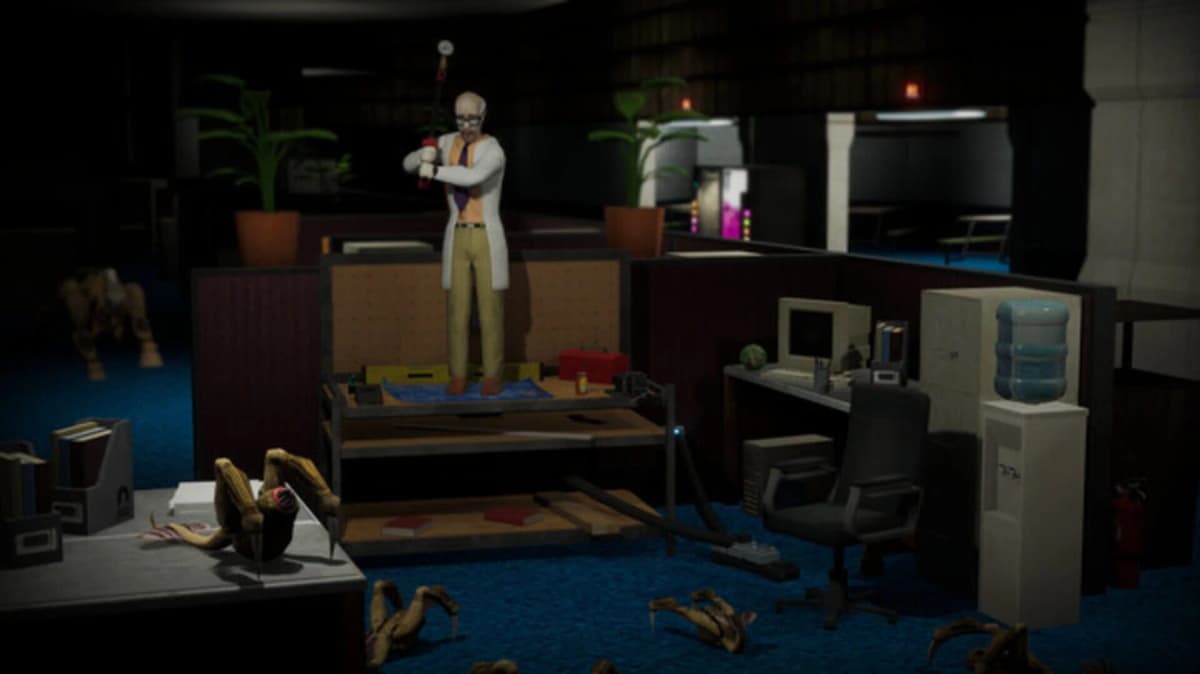
- Arriving without an exit plan, then getting cornered by the creature in the area.
- Looting side rooms before the path back to the tram is confirmed.
Practical takeaway
The Encroachment is a fixed portal-world location, so the workflow is simple and repeatable: ride the tram to the far side of the facility, walk the short final segment, and arrive ready for at least one creature with your retreat route already clear. Plan from the tram outward, keep your map stripped to transit and threats, and secure the area before you start looting. For more facility navigation, see our guides on the Cascade Laboratories map and how to farm portal worlds for renewable resources.
FinalBoss // Gear
Level up your setup
01Top-rated gaming headsetson Amazon→02High-refresh gaming monitorson Amazon→03Gaming chairson Amazon→04Discounted game keyson Kinguin→
Affiliate links · As an Amazon Associate, FinalBoss earns from qualifying purchases.
Want to Level Up Your Gaming?
Get access to exclusive strategies, hidden tips, and pro-level insights that we don't share publicly.
Ultimate Guide Strategy Guide + Weekly Pro Tips