
You want 100% exploration in Alabaster Dawn, but the game ships without custom map markers, so it is easy to lose track of chests, sidequests, and locked routes across a world that keeps changing as you rebuild it. Here is the honest answer: lean on the in-game map for moment-to-moment navigation, and use a community interactive map as your checklist layer.
Table of Contents (9)
The short version
- There is an in-game map. Alabaster Dawn ships with a zoomable in-game map. What it does not have yet is custom markers — the developer has confirmed those are coming, they just did not make the initial Early Access build.
- Use a community interactive map as your checklist. Until custom markers arrive, a third-party map like TechRaptor‘s is the practical way to track chests, sidequests, and other locations you have not cleared.
- Route in layers, not all at once. Fast travel and sidequests first, dungeons and puzzles second, chests and collectibles last.
- Re-check zones after you rebuild. Restoring settlements changes the world and opens new paths, so a region you “finished” early often has more to find later.
Does Alabaster Dawn have an in-game map?
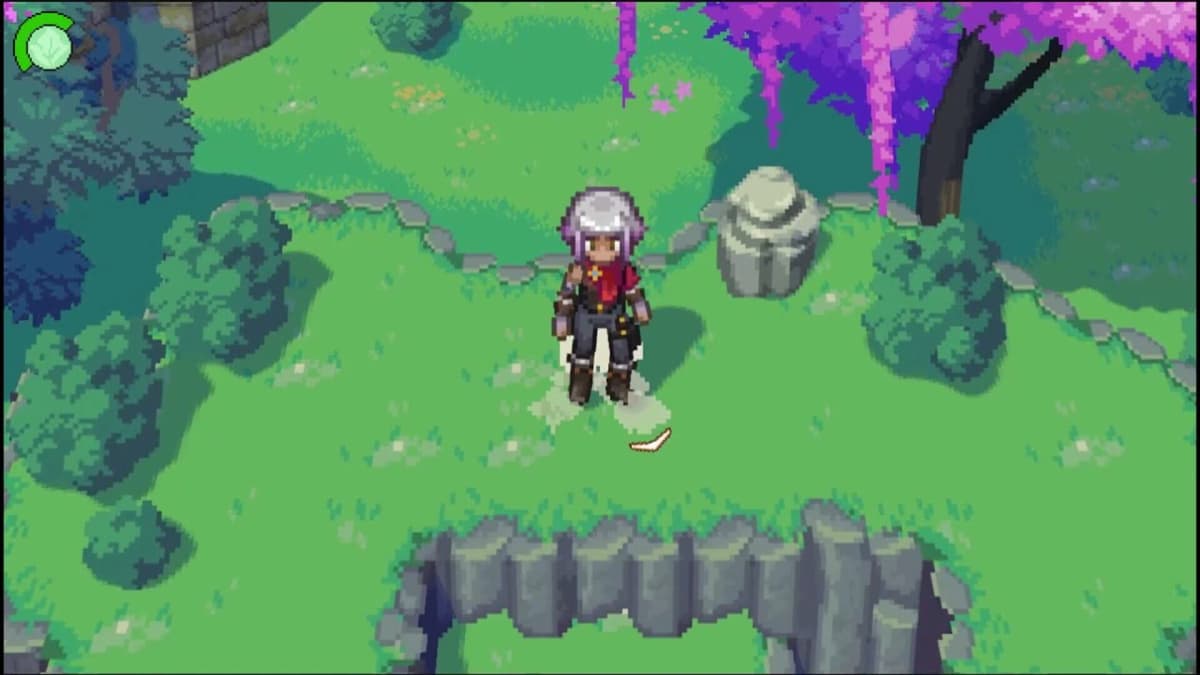
Yes. The game includes a zoomable in-game map, so you are not exploring blind. The gap that sends players to third-party tools is the lack of custom markers — there is no way yet to drop your own pins for “come back here later.” On the Steam forums, the developer confirmed custom markers were a planned, fairly high-priority feature that simply did not make it in time for the Early Access launch. So the right mental model is not “there is no map.” It is “there is a map, but you have to track your own to-do list elsewhere for now.”
Which interactive map should you use?
For a category-based reference you can keep open on a second screen, TechRaptor publishes an interactive Alabaster Dawn map that marks key locations, chests, and sidequests. Game8 also maintains Alabaster Dawn coverage if you prefer reading guides alongside the map. Treat any third-party map as a planning aid layered on top of the in-game one, not a replacement for it — the in-game map is what you actually navigate with, and the community map is where you tick off what you have already cleared.
One caveat that matters more in this game than most: Alabaster Dawn is built around rebuilding. As you restore settlements, establish trade routes, and advance science, the world changes visually and new paths and areas open up. A static external map captures a snapshot, so a location can be real and reachable only after you have made progress — not because the map is wrong.
How to use a map without wasting time
The biggest mistake is treating the map like a scavenger-hunt board from the first hour. That creates clutter and slows your route. Maps work best in layers: route tools first, cleanup tools later.
- Prioritise fast travel points and major sidequests first — they shape your route through a region.
- Add dungeons, caves, and puzzles once you have a stable path through the area; these tend to bundle multiple rewards in one stop.
- Leave chests and collectibles for a second pass unless one is directly on your path.
- Note anything blocked by story progress, a missing ability, or restoration state, and come back after you rebuild.
- After a major settlement change, re-check the region before assuming you fully cleared it.
This works because Alabaster Dawn is not a flat pinboard. The world changes over time, and some locations only make sense to revisit after new routes open. A chest sweep done too early turns into a lot of backtracking; a fast-travel-first route usually saves more time than chasing every icon on your first pass through a zone.
Why exploration is tied to rebuilding Tiran Sol
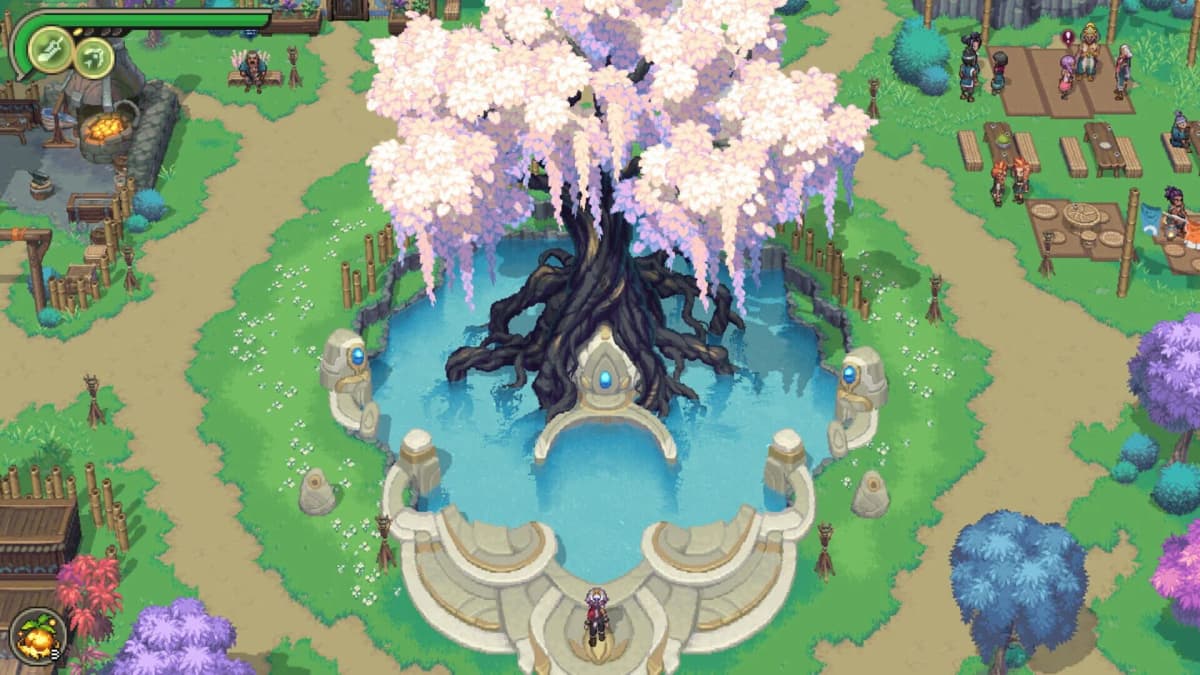
You play as Juno, the Outcast Chosen, who wakes in the ruins of Tiran Sol — a once-lush world warped into a wasteland by the curse called Nyx. The exploration loop is wired directly into restoring that world: as you rebuild settlements and help survivors, towns change, trade routes form, and previously closed-off areas become reachable. That is why a pure “where is the chest?” mindset undersells the game. The more useful question is often “has this region opened up yet?” A spot that looks empty or unreachable now can be a normal stop later, once your restoration progress moves the world forward.
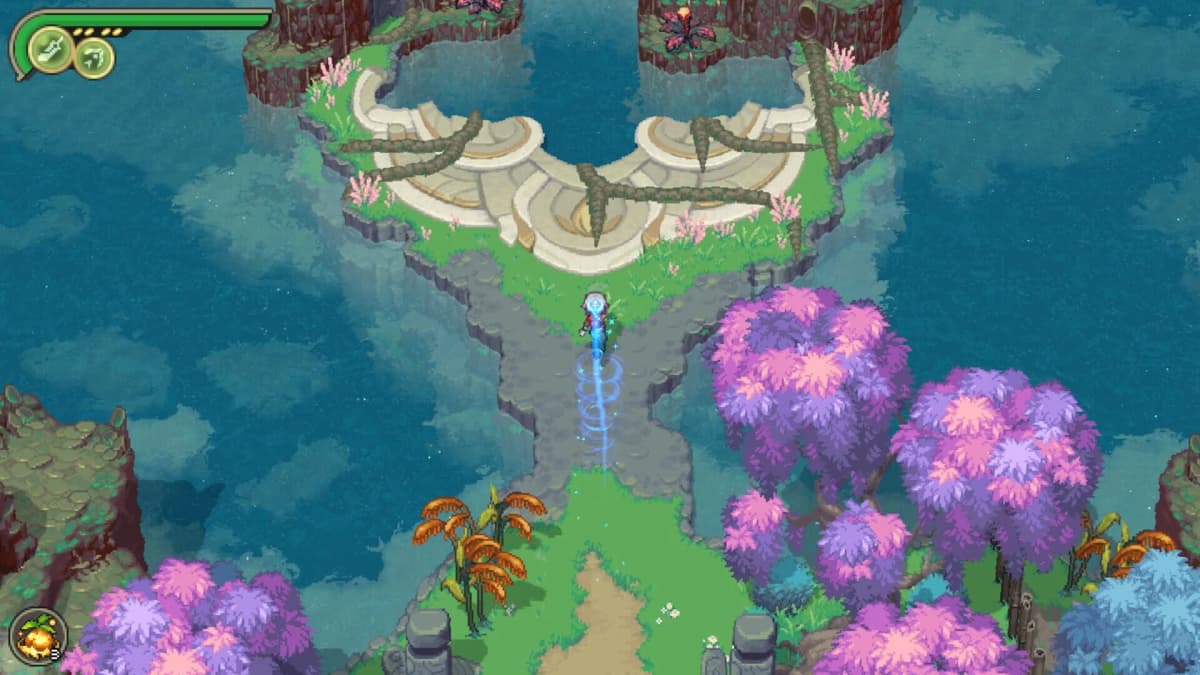
Exploration also feeds the rest of the game. The dungeons you uncover are puzzle-driven — if you get stuck in one of the early ones, our Trial of Aether puzzle guide walks the element-switching solution step by step. And if you are still working through the opening, the prologue boss and combat guide covers the fight that gates your first real stretch of open world.
Where third-party maps fall short
Community maps are strong for navigation, but they are not completion proof. There is no developer-backed marker system in the game yet, so every external pin depends on someone keeping the map current. The game’s world state also shifts as restoration progresses, which means a location can be known but awkward to represent on a static layer. And in Early Access, coverage is naturally strongest for the content that is already in the game and can lag as new areas land.
- A missing marker does not automatically mean the item does not exist.
- A visible marker does not guarantee access if your story progress or movement options are behind.
- A location can be gated behind restoration progress rather than skill — check whether a path has opened before assuming you missed something.
Use these maps as routing support, not absolute authority. If a chest, puzzle, or sidequest does not line up with what the map shows, look for a locked route or an unmet restoration trigger before deciding the map is wrong.
Common mistakes
- Assuming there is no map at all. There is an in-game zoomable map — what is missing is custom markers, which the developer has confirmed are on the way.
- Turning on every map category at once. Dense regions become unreadable and the route that matters disappears.
- Cleaning collectibles before unlocking nearby fast travel. The fastest way to create avoidable backtracking.
- Treating a region as “done” before you rebuild it. Restoration opens new paths; finished-looking zones often are not.
- Trusting external marker counts as final totals. They are snapshots of an Early Access game that is still expanding.
Practical takeaway
Navigate with the in-game zoomable map, and use a community interactive map — TechRaptor’s is a solid category-based reference — as your checklist until custom markers ship. Route fast travel and sidequests first, sweep dungeons and puzzles second, finish chests and collectibles last, and re-check every region after you restore a settlement. Because exploration in Alabaster Dawn is tied to rebuilding Tiran Sol, the map is only half the job: the other half is knowing the world is still opening up around you.
FinalBoss // Gear
Level up your setup
01Top-rated gaming headsetson Amazon→02High-refresh gaming monitorson Amazon→03Gaming chairson Amazon→04Discounted game keyson Kinguin→Affiliate links · As an Amazon Associate, FinalBoss earns from qualifying purchases.
Want to Level Up Your Gaming?
Get access to exclusive strategies, hidden tips, and pro-level insights that we don't share publicly.
Ultimate Guide Strategy Guide + Weekly Pro Tips