
You finished the character creator, played a few hours, and now want to fix your face, hair, or armor look. In Nioh 3 you cannot do that from the title screen or the pause menu — appearance editing lives at a single mirror inside the Eternal Rift, and you have to unlock it first.
Table of Contents (11)
The short version
- Appearance is changed at the mirror in the Eternal Rift:
Top-Floor Shrine → Mirror → Change Appearance. - You unlock permanent Rift access after defeating Jakotsu-baba, the boss of the first major Crucible, and receiving the Guiding Mirror from Ii Naotora.
- The mirror has three options: Change Appearance, Equipment Appearance, and Transform.
- Change Appearance is free. Transform is the one that costs resources (Glory / Yokai Teardrops), so do not confuse the two.
Where to change appearance in Nioh 3
The appearance editor is tied to the mirror in the Eternal Rift. Once that hub is open, the path is short: go to the top-floor shrine, interact with the mirror, and pick the menu that reopens character customization.
Eternal RiftTop-Floor ShrineMirrorChange Appearance
That is the path you want to edit your character’s face, hair, and other creator-driven features. If you only want to change how your armor looks, the same mirror menu splits that into a separate option — which matters, because it saves you from editing the wrong layer.
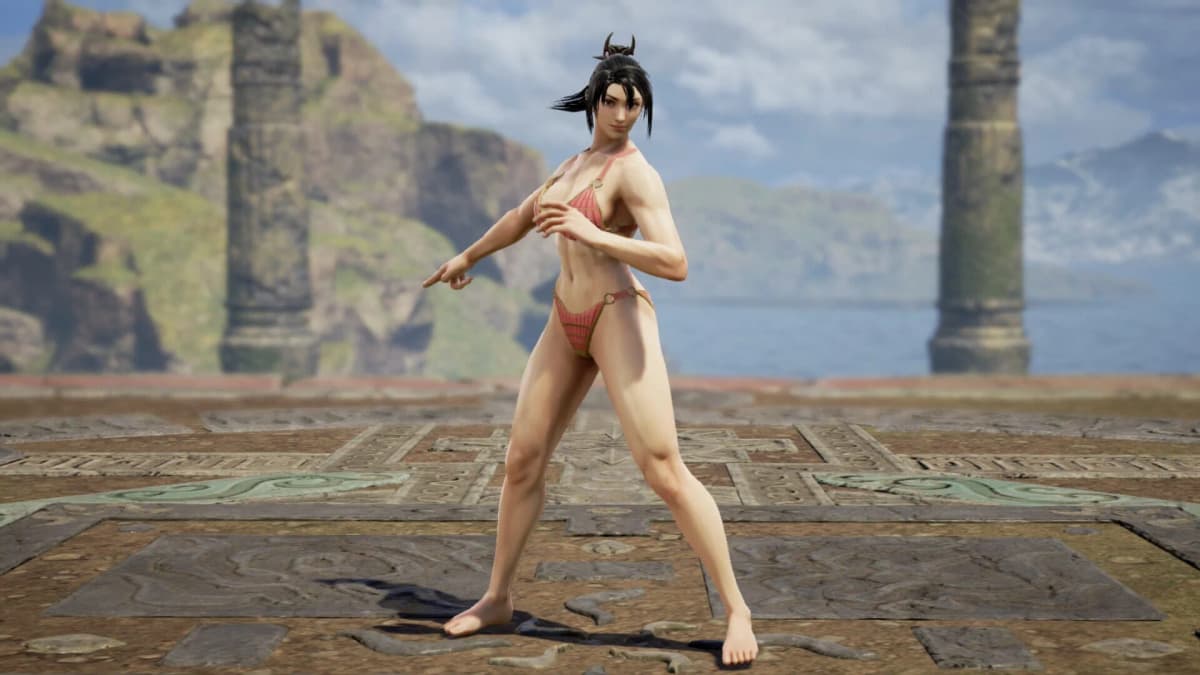
How to unlock the mirror
Permanent access to the Rift comes after you defeat Jakotsu-baba, the boss of the first major Crucible, and receive the Guiding Mirror from Ii Naotora. If you do not see the mirror options yet, the answer is almost always progression, not a hidden submenu.
- Advance through the early Crucible content.
- Defeat
Jakotsu-baba. - Receive the
Guiding MirrorfromIi Naotora. - Return to the Eternal Rift and check the top-floor shrine.
So if you are still in the opening hours, do not waste time searching every shrine or blacksmith menu. Character editing is attached to the Rift hub you unlock, not available everywhere from the start. If you are pushing to reach that point faster, our early-game power guide covers the start skills, magic, and gear that get you through the first Crucible.
Which mirror option to use
The mirror menu has three functions: Change Appearance, Equipment Appearance, and Transform. The names are close enough that it is easy to pick the wrong one, so treat them as three separate layers.
Change Appearance
This reopens the character creator itself — facial structure, hair, colors, and other identity-level edits. It is free: no gold, no materials, no premium currency. Start here for anything that is “fix my face” or “change my hairstyle.”
Equipment Appearance
This is the transmog layer. Use it when your face is fine but your armor silhouette, helmet display, or gear combination is not. If you re-edit your face and the character still looks wrong in combat, the problem is usually here — armor and helmets can completely overpower the face you just set.
Transform
Transform is the one that costs resources. Unlike the free Change Appearance option, transforming spends in-game resources (Glory / Yokai Teardrops), so do not reach for it when all you want is a slider tweak. If your goal is “fix my jawline” or “new hairstyle,” use Change Appearance instead and keep your resources.

Does changing appearance cost anything?
A basic appearance change is free. Reopening the creator through Change Appearance costs no gold, no materials, and no premium currency — change your face and hair as often as you like.
The exception is Transform. That option does spend in-game resources (Glory / Yokai Teardrops), which is exactly why it is worth knowing the difference before you open the menu. If you are trying to preserve resources, stay in Change Appearance and avoid Transform unless you specifically want a full-model swap.
How to share your character look
If you want another player to rebuild your look, document the creator instead of relying on a single string. It is slower, but it survives patches and platform differences.
- Capture the character from the front and both side angles.
- Write down the base preset you started from.
- List hair style, color, eyebrow style, eye color, and any facial markings separately.
- Screenshot each slider page if the editor offers fine-tuning.
- Note whether the final look depends on specific armor via
Equipment Appearance. - State clearly if the look uses
Transformrather than a standard custom face.
This keeps your build shareable and easy to track across updates: if a patch shifts how one slider behaves, others can still rebuild most of the face instead of losing the whole recipe.
Common mistakes
- Hunting for the editor in the pause menu. It is not there. Appearance changes live at the Eternal Rift mirror, so check progression first.
- Picking Transform when you only wanted a slider tweak. Transform spends Glory / Yokai Teardrops;
Change Appearanceis free. Use the free option for face and hair. - Editing your face when the problem is your armor. Switch to
Equipment Appearance— helmets and layered gear can overpower the face you just set. - Expecting every cosmetic at once. Some options unlock as you progress, so the editor can expand later rather than showing everything up front.
Practical takeaway
Beat the first Crucible (Jakotsu-baba), take the Guiding Mirror from Ii Naotora, then head to the Eternal Rift’s top-floor shrine. Use Change Appearance for a free face/hair edit, Equipment Appearance for armor visuals, and only touch Transform when you want a full-model swap and are willing to spend resources. If you are still building your character’s kit alongside their look, see our best beginner builds for Talons, Dual Swords, and Split-Glaive.
FinalBoss // Gear
Level up your setup
01Top-rated gaming headsetson Amazon→02High-refresh gaming monitorson Amazon→03Gaming chairson Amazon→04Discounted game keyson Kinguin→Affiliate links · As an Amazon Associate, FinalBoss earns from qualifying purchases.
Want to Level Up Your Gaming?
Get access to exclusive strategies, hidden tips, and pro-level insights that we don't share publicly.
Ultimate Guide Strategy Guide + Weekly Pro Tips