
A controls guide is only worth reading if it actually commits to the bindings. Here are the confirmed defaults for Heroes of Might & Magic: Olden Era, so you can build muscle memory instead of second-guessing every key in the options menu.
Table of Contents (9)
The short version
- Camera:
WASDorRMBdrag pans the adventure map; themouse wheelzooms. - End turn:
Eends your turn;Shift+Eends it without the confirmation prompt. - Cycle heroes:
Tab/Shift+Tabstep through your available heroes. - Save/load:
F5quick saves,F9quick loads. - Battle core:
WWait,DSkip Turn,RSurrender,EFlee,LBattle Log,Enterends the tactics phase. - Town:
LLaws,BSpellbook / Build menu,CRecruit creatures,UUpgrade,HorIHero window.
Learn those first. They cover the rhythm of a normal session: pan the map, switch heroes, take a fight, wait with the right stack, end the turn, and save before a risky commitment.
World map and camera controls
The adventure map is built around the camera, not constant hero clicks. Pan with RMB drag or WASD, and zoom with the mouse wheel. That matters because Olden Era rewards planning your route before you move. Panning lets you inspect mines, neutral stacks, choke points, and pickup lines without accidentally committing a hero’s movement.
The expensive mistake on a Heroes map is rarely losing a fight outright. It is burning movement on the wrong pickup, ending one tile short of a mine, or stopping next to a neutral army you meant to reach tomorrow. Pan with the camera first, move the hero second, and most of those wasted days disappear. For the day-one routing decisions that compound from here, see our best opening strategies.
Turn management: play faster without throwing away a day
E ends your turn. Shift+E ends it without the confirmation prompt — treat that one as an expert tool, not a default habit. It is excellent for cleaning up late-game turns with eight heroes and nothing left to do, but it is also the fastest way to donate a whole day because you forgot a town build or a final army transfer. Note that Enter does not end your turn on the map; Enter is reserved for ending the tactics phase in battle.
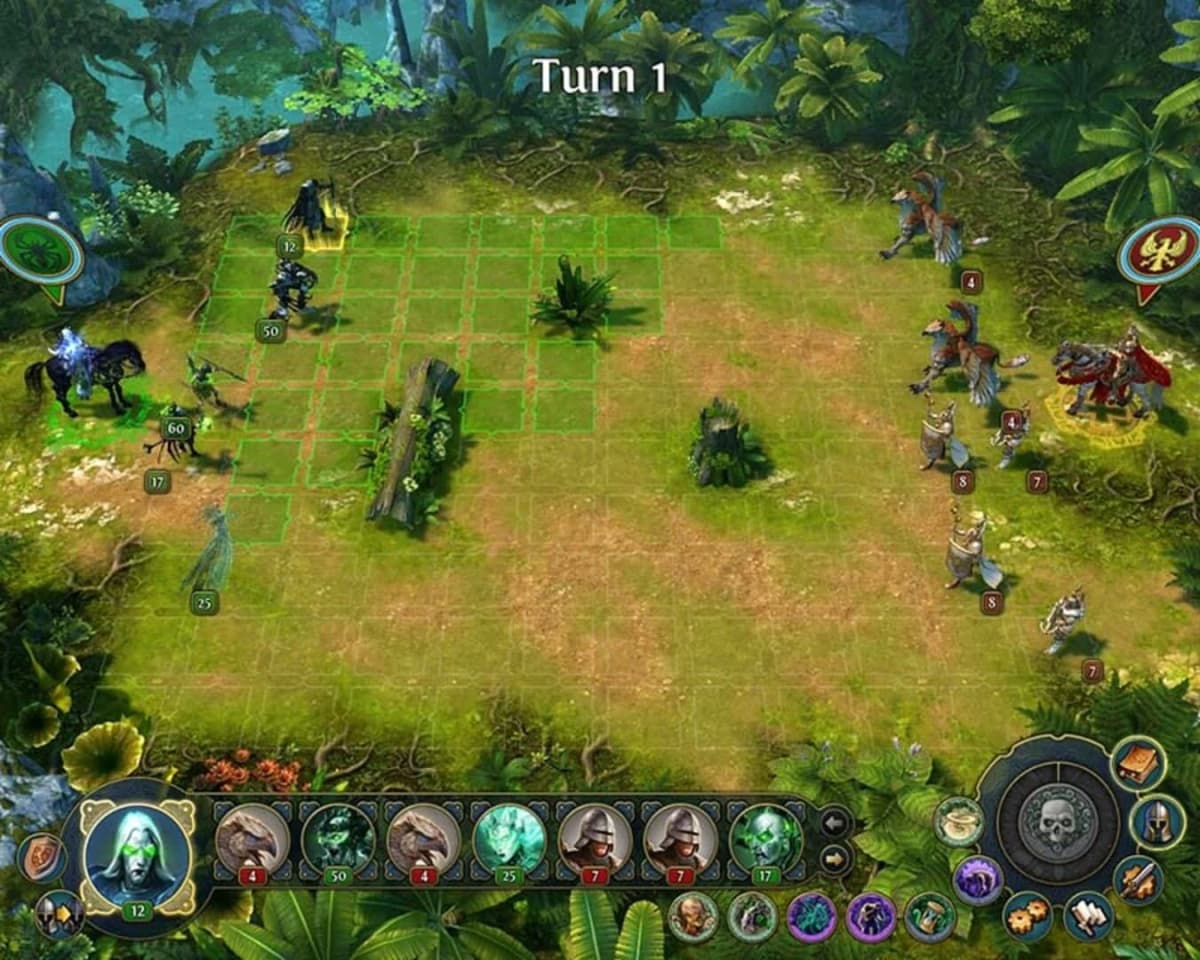
Tab and Shift+Tab remove a surprising amount of map friction. Cycling heroes from the keyboard beats hunting portraits with the mouse, especially once you have scouts, town defenders, and a main army moving on the same day. The clean pattern is: cycle hero, spend movement, cycle again, then press E. If you are still clicking portraits one by one, you are adding seconds to every turn for nothing.
Keep F5 and F9 in muscle memory too. A quick save before a difficult neutral battle, a tight scouting move, or a risky end turn is standard strategy-game hygiene — it respects how much time a single misclick can cost on a long map.
Battle hotkeys
Combat is where the keyboard genuinely beats the mouse. These are the confirmed battle bindings:
W= Wait. One of the most important tactical commands — it changes activation order so you can react after the enemy moves.D= Skip Turn. When a stack has nothing productive to do, this preserves positioning instead of repositioning badly.R= Surrender.E= Flee.L= Battle Log.Enter= End the tactics phase before the first exchange.A= Switch to auto-battle for the current fight. To auto-resolve the rest of the battle outright, useShift+Q.
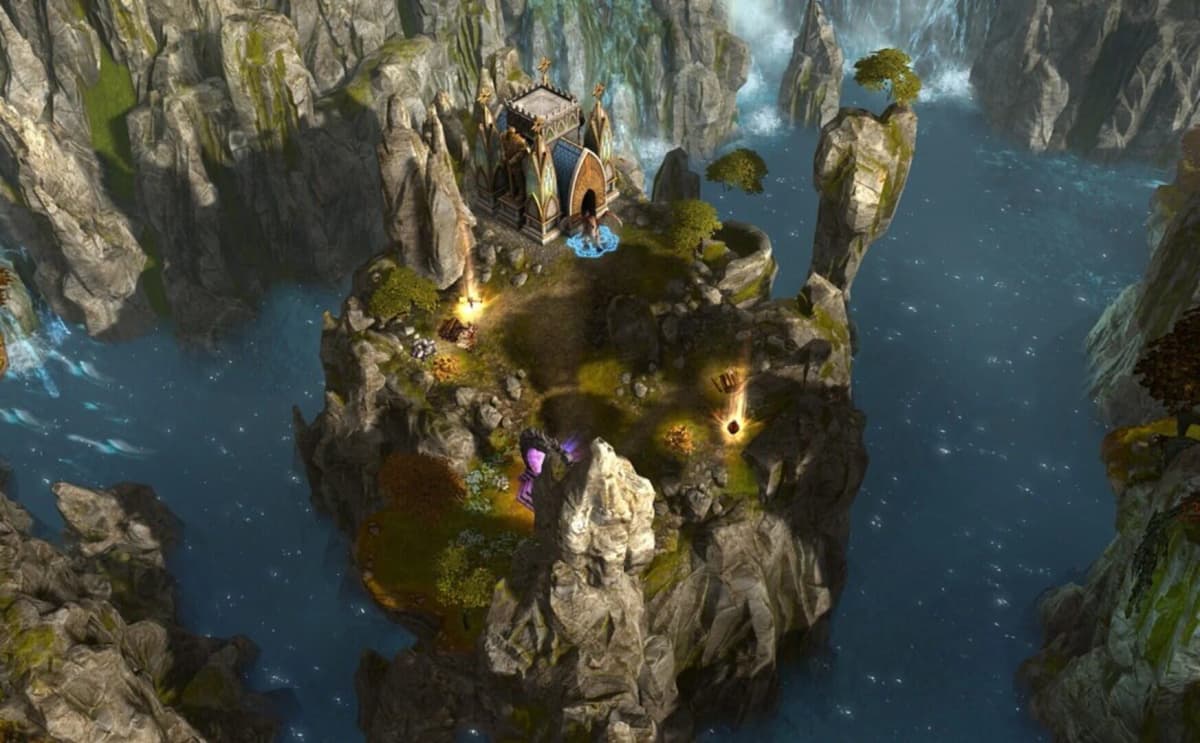
W is the one to prioritize, because waiting is fundamental to Heroes combat. If your retaliation traps, ranged focus fire, or hero abilities depend on order, the gap between waiting and taking a mediocre immediate action can decide the whole fight. D is the other side of that coin: sometimes the right play is to stop pretending a stack has a useful move and simply hold position.
Auto-battle (A) is a convenience, not a substitute for control. It is fine for trivial cleanup fights where the only concern is saving time, but it is unreliable when a single elite unit matters, when spell timing is important, or when you want to minimize damage rather than just secure the win.
The number row matters more than most players expect: 1-5 trigger creature abilities and 6-0 trigger hero abilities during combat. Once you know which numbers map to your most-used effects, you can fire core actions without dragging your eyes across the whole UI every turn.
Army stack shortcuts
Stack management is still strategically relevant in Olden Era, and two shortcuts cover most of it: Ctrl+Click splits off a single creature, and Shift+Click splits a stack in half.
This is not just convenience. It changes how you scout, soak retaliation, block lanes, and protect ranged units. If you have played older Heroes games you already know how much value a single sacrificial unit can buy at the right moment; if you are newer, these two binds are the fastest route to that part of the game without wrestling the army screen. For getting enough units to split in the first place, read our guide on recruiting units fast.
Town and management hotkeys
Inside a town and on the management screens, these are the confirmed bindings:
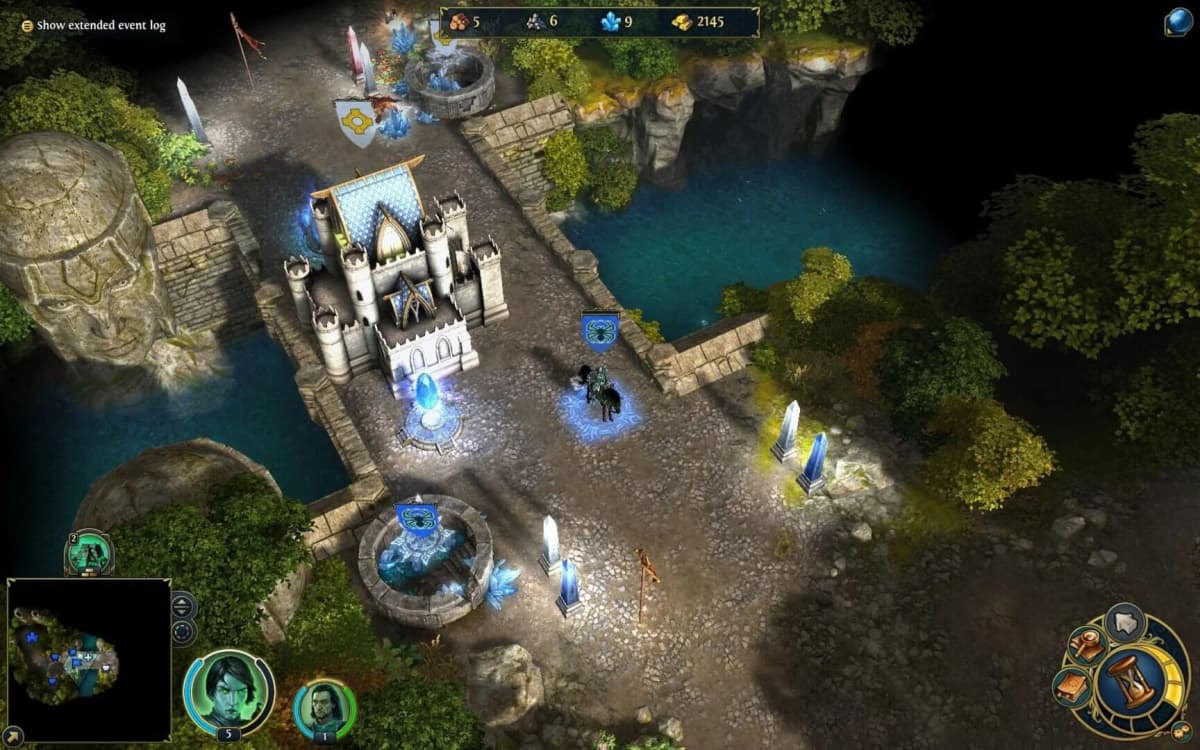
L= Open the Law screen.B= Open the Spellbook, and the Construction / Build menu in town.C= Open the Recruit (creatures) menu.U= Open the Upgrade menu.HorI= Open the Hero window.
If you are mapping a controller layer or a handheld PC setup, translate this section by action rather than by letter: bind quick access to laws, building, recruiting, upgrades, and the hero window somewhere you can reach without menu crawling. The Laws screen in particular is worth a fast bind — it drives a lot of your faction’s economy and growth, which we break down in our best faction Laws guide.
Common mistakes
- Pressing
Enterto end your turn on the map.Enterends the tactics phase in battle;Eends your turn. - Leaning on
Shift+Eearly. Skipping the confirmation prompt feels fast until it costs you a forgotten build or army transfer. - Treating
A(auto-battle) as a win button in fights where an elite unit or spell timing actually matters. - Clicking hero portraits one by one instead of cycling with
Tab. - Moving heroes before panning the camera, then ending a tile short of the objective.
Practical takeaway
Spend five minutes in a low-stakes skirmish drilling the high-value keys: pan with WASD and RMB, zoom with the wheel, cycle heroes with Tab, quick save with F5, end the turn with E, then take one easy fight and use W, D, and the 1-5 ability keys once each. After that, the only shortcuts worth adding are the ones you reach for often — ending clean turns, swapping heroes, waiting correctly in battle, and splitting stacks without crawling through menus.
FinalBoss // Gear
Level up your setup
01Top-rated gaming headsetson Amazon→02High-refresh gaming monitorson Amazon→03Gaming chairson Amazon→04Discounted game keyson Kinguin→
Affiliate links · As an Amazon Associate, FinalBoss earns from qualifying purchases.
Want to Level Up Your Gaming?
Get access to exclusive strategies, hidden tips, and pro-level insights that we don't share publicly.
Ultimate Guide Strategy Guide + Weekly Pro Tips