
If It Slumbers Within You has stopped advancing in Diablo IV: Season of Infernal Chaos (Season 10), you are almost always stuck on one flag, not a dead character. The objective tracker fails to register that you equipped a Chaos Perk, or the seasonal scene loads in a bad state. Both have a clean fix.
Table of Contents (14)
The short version
- Most common cause: the quest never registers your equipped Chaos Perk. Re-equip a perk by hand, close the menu, then relog to character select.
- If a relog fails: do a hard refresh — load a different character, return to the main menu, then load your seasonal character again.
- Play solo. Party progress is the single biggest cause of out-of-sync quest states in seasonal content.
- If the tracker still will not move: keep advancing Viz-Jaq’taar Veneration reputation through Chaos content until the next progression trigger fires.
The quest name comes from the German Sie schlummert in euch, which translates to It Slumbers Within You. It sits in the early Season of Infernal Chaos progression, the line that runs through the Viz-Jaq’taar Veneration reputation, Chaos Perks, and Sands of Chaos on the way to Bartuc’s Reign of Chaos and the Fell Council. The bug has two distinct failure points, and the fix depends on which one you have: the tracker stalling on Acquire and equip a Chaos Perk, or the seasonal scene failing to spawn its required Memory Fragments.
Fix the Chaos Perk step first
If the objective text refuses to advance after you unlock perks, start here. This is the most common and most fixable version of the bug. If you are still figuring out the perk system itself, our War Plans and Chaos Perks guide covers how to slot them correctly.
- Open the Chaos Perk menu from the quest flow in Kyovashad.
- If a perk is already in a slot, remove, salvage, or extract it so the slot is clear.
- Equip a Chaos Perk again by hand rather than waiting for the quest prompt to auto-complete.
- Close the menu completely and wait a few seconds for the server-side tracker to catch up.
- If nothing changes, log out to character select and load the same seasonal character again.
This works because the quest usually is not failing at the reward step — it is failing at the flag that confirms you actually equipped the perk. Re-equipping forces the game to recheck the condition. Blizzard’s patches improved this behavior, but they did not remove every edge case, especially on characters created around launch week.
If a normal relog does not fix it, do a harder refresh: load a different character, back out to the main menu, then return to your seasonal character. That full reload catches the tracker far more reliably than a town portal or simply reopening the menu.
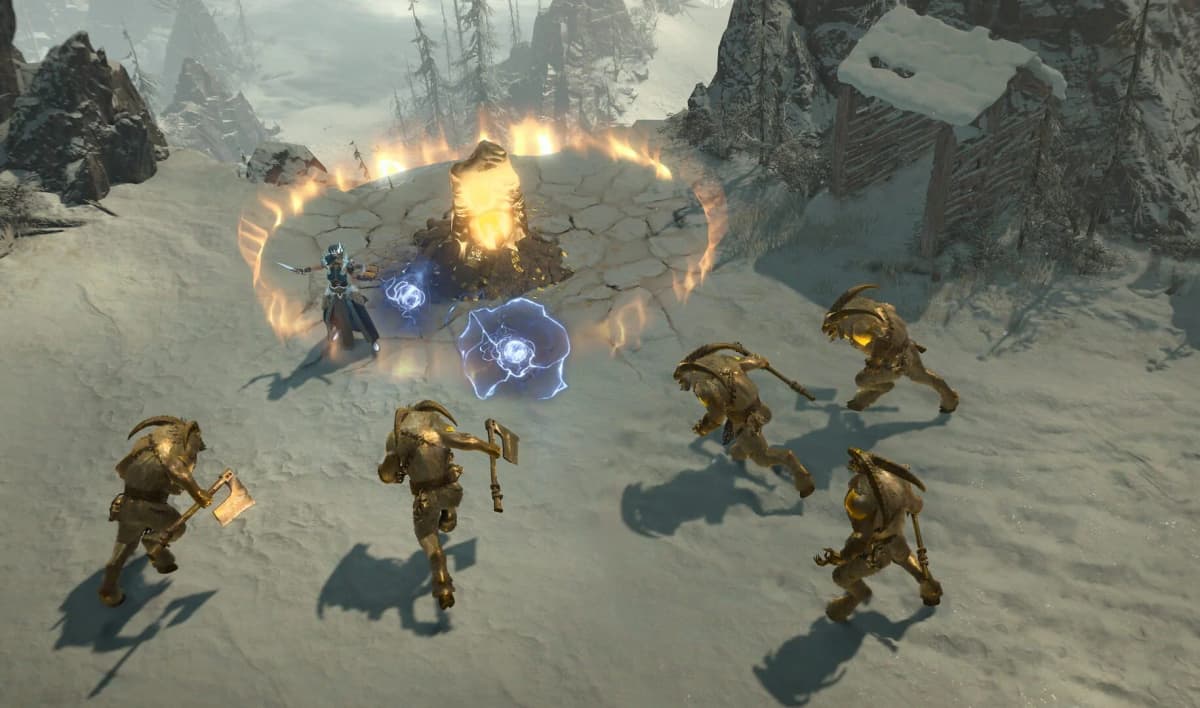
If the Kyovashad seasonal board will not advance
The other common stall happens at the board interaction in Kyovashad. If the board does nothing, or the quest marker stays active after you interact with it, treat it as a phasing problem before assuming your character is broken.
- Leave your party before retrying. Shared seasonal progress is one of the easiest ways to desync quest states.
- Waypoint out of Kyovashad, travel back, and interact again instead of chaining attempts in the same instance.
- If you play in cross-network groups, retry once with cross-network play turned off in the social options.
- Do not stack menu actions. Interact with the board, wait for the quest text to update, then open the perk screen, inventory, or map.
Do this solo if you can. Even when group play is not the root cause, going solo gives you one clean variable: you learn whether the objective is failing on your character or on the instance.
If Memory Fragments do not spawn
A separate version of the bug leaves the required Memory Fragments missing from the objective scene entirely. This is not the Chaos Perk issue, so the perk fix will not solve it. When fragments are missing, reset the scene rather than brute-forcing an empty room.
- Leave the objective area completely and return to town.
- Log out and back in to drop the bad instance.
- Re-enter the objective zone solo and replay the section from the start.
- If fragments still fail to appear, force a full instance reset rather than repeating attempts in the same phase.
The logic is simple: fragment bugs come from the scene not spawning correctly, not from your inventory or damage. If the room loaded in a bad state, staying inside it will not fix anything. A clean re-entry gives the game another chance to generate the missing interactables.
Use the reputation bypass if the tracker still refuses to move
If you are tired of resetting the same step, there is a slower workaround that can still save the character: advance Viz-Jaq’taar Veneration reputation on its own until the game catches the next progression trigger.
- Run Chaos Rifts even while the quest marker is still stuck.
- Collect Infernal Warps as you go to keep reputation climbing.
- If you have Torment unlocked, Helltides are an efficient place to combine farming with progression, since Chaos enemies appear there too — see our Infernal Chaos power-leveling guide for the fastest routes.
It is not elegant, but it turns a hard stop into a grind you control. It is the fallback for players who cannot get the perk or board steps to flag correctly but still want access to the next seasonal systems.
Patch status and why some characters are still affected
Blizzard has patched this quest more than once, targeting both the server-side flag that confirms progression and cross-network desync. Even so, reports never fully stopped, which is why the bug feels random: some cases were fixed by a patch, some need a tracker refresh, and some are the separate fragment-spawn variant under the same quest name.
If your character started the quest before those fixes, expect more stubborn behavior — older characters tend to keep whatever broken flag they inherited. In those cases, relogging, swapping characters, or bypassing with reputation works better than hammering the same objective prompt.
Common mistakes
- Retrying in a party. Shared seasonal progress desyncs quest states; clear the step solo first.
- Stacking menu actions. Opening inventory or the map right after interacting can swallow the tracker update. Wait for the quest text to change.
- Reopening the menu instead of relogging. A real relog or character swap refreshes the server flag; a town portal does not.
- Grinding an empty fragment room. If the scene spawned wrong, re-entry fixes it — damage and time inside the room do not.
Practical takeaway
Diagnose which bug you have, then apply the matching fix. Stalled on the perk step? Re-equip by hand and relog. Stuck at the Kyovashad board or missing fragments? Reset the instance solo. If neither lands, push Viz-Jaq’taar Veneration reputation through Chaos content until the next trigger fires. Once the quest updates toward Sands of Chaos, keep playing forward — Chaos Rifts, further reputation, and the road to the Fell Council all open back up. Need Chaos gear along the way? Our Chaos Uniques farming guide covers the best targets.
FinalBoss // Gear
Level up your setup
01Top-rated gaming headsetson Amazon→02High-refresh gaming monitorson Amazon→03Gaming chairson Amazon→04Discounted game keyson Kinguin→
Affiliate links · As an Amazon Associate, FinalBoss earns from qualifying purchases.
Want to Level Up Your Gaming?
Get access to exclusive strategies, hidden tips, and pro-level insights that we don't share publicly.
Ultimate Guide Strategy Guide + Weekly Pro Tips